
If you’ve made a clip with OpenAI’s Sora, you’ve seen it: the moving Sora watermark stamped on your video. And if you’ve tried to use that clip seriously — a client ad, a YouTube video, a product demo — you’ve hit the obvious problem. This guide answers the real questions honestly: does Sora have a watermark, can you remove it, is that even legal, and what the legitimate path to watermark-free Sora video actually is.
Does Sora have a watermark?
Yes. Videos generated with OpenAI’s Sora carry a visible, animated watermark, plus invisible provenance metadata (content-credentials). On the free and lower consumer tiers especially, that watermark is baked into the export. It’s there by design — it tells viewers the video was AI-generated.
Why Sora adds a watermark
It’s not an accident or an upsell gimmick — it’s provenance. As AI video gets indistinguishable from reality, watermarks and embedded credentials are how platforms signal “this is synthetic.” OpenAI, like other major labs, uses them so AI footage can be identified downstream. That’s the context for the next question, and it’s why the answer isn’t a simple “here’s a remover.”
Can you legally remove the Sora watermark?
This is the honest part most pages skip. Stripping OpenAI’s watermark from a Sora export sits in murky territory:
- It generally violates OpenAI’s usage terms.
- It defeats the provenance signal, which researchers and platforms increasingly rely on — security experts have publicly warned against watermark removers for exactly this reason.
- The shady “Sora watermark remover” sites that rank for this topic often do a poor job (leaving artefacts) and raise privacy questions about uploading your footage to an unknown server.
So: technically people try, but cropping or AI-erasing OpenAI’s mark is a grey-area workaround we don’t recommend. The better question is how to get a clean video without ever having a watermark to remove.
The legitimate way: generate watermark-free Sora video
Here’s the cleaner path. Sora 2 isn’t only available through OpenAI’s consumer app — aggregator platforms integrate the Sora 2 model with proper licensing, and generate output without the consumer watermark and with a commercial license. You’re not stripping anything; the clip is clean from the start because it’s produced under different terms.

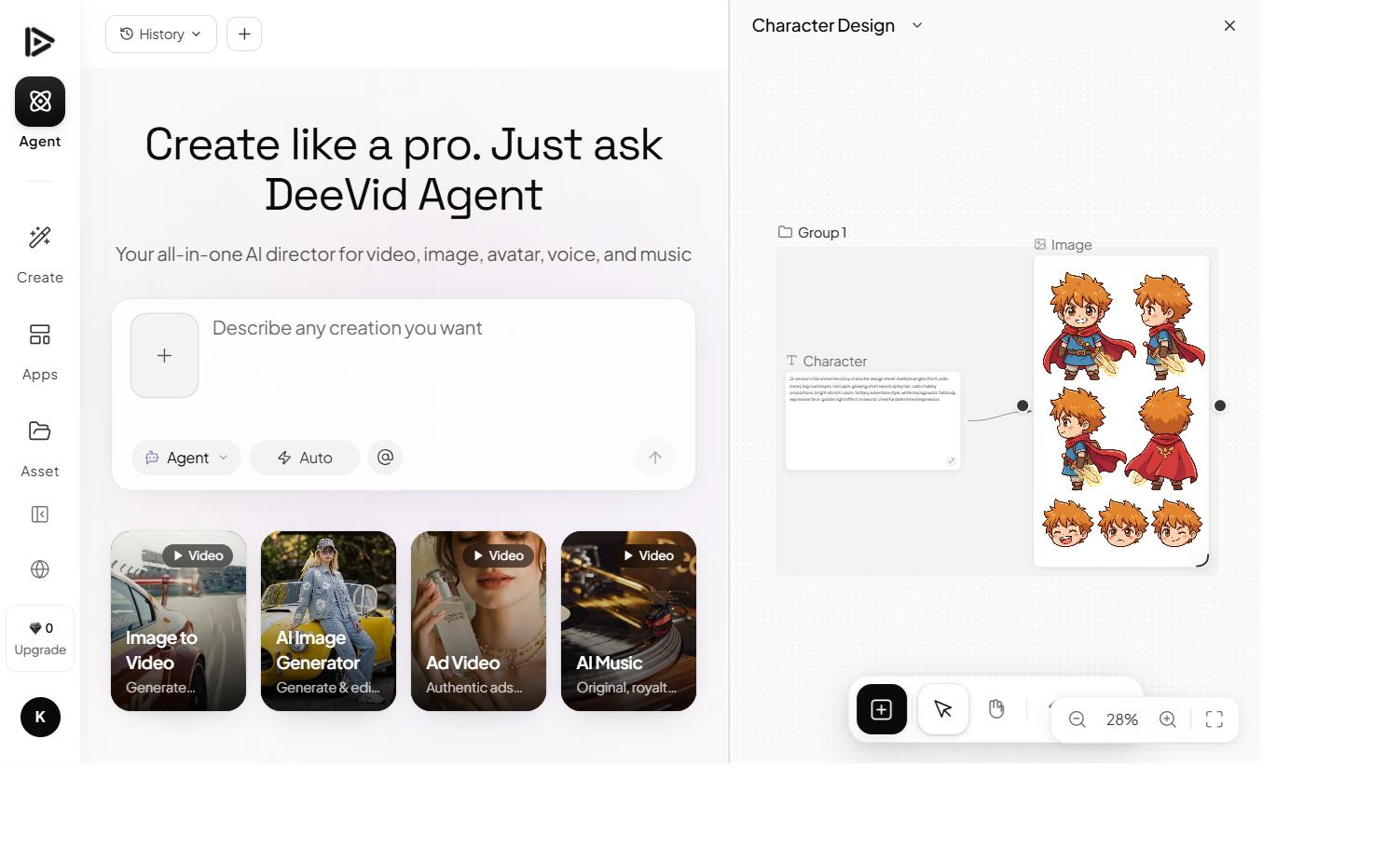
Deevid AI is one such platform: it carries Sora 2 alongside Veo, Kling and other models, and paid output is watermark-free with commercial rights. That’s the difference between “removing” a watermark (grey area) and “generating without one” (legitimate).
How to get watermark-free Sora video, step by step
Here’s the walkthrough, then the steps:
- Open an aggregator that carries Sora 2 (e.g. Deevid) and select the Sora 2 model.
- Write your prompt — same as in our text-to-video tutorial: describe one clear shot, subject, motion, camera, style.
- Generate and review. Iterate on the prompt if the motion isn’t right.
- Export on a paid tier — the clip comes out clean, watermark-free, with a commercial license. No removal step, nothing to crop.
What “watermark-free” should actually include
If you’re going to pay to skip the watermark, make sure you’re getting the whole package — “no watermark” alone isn’t enough for real use:
- A commercial license. A clean-looking clip you’re not licensed to use commercially is still a liability. The watermark-free tier should explicitly grant commercial rights.
- Decent resolution. Some tools drop the watermark but keep you on low resolution; check you get 1080p (or better) on the paid tier.
- No quality loss. This is the real argument against “removers” — cropping or AI-erasing OpenAI’s animated mark damages the footage. Generating clean from the start avoids any degradation.
- Provenance honesty. Removing a provenance mark to pass off AI video as real is the genuinely problematic case. Using watermark-free output that you’re transparent about (an ad, a creative clip) is normal commercial practice.
In short, the goal isn’t “trick the watermark off” — it’s “produce a licensed, full-quality clip that never had a consumer watermark to begin with.” That’s what a licensed aggregator tier gives you, and it’s why it beats any remover.
Is Sora free with a watermark?
Roughly, yes — the free/entry experience gives you Sora video with the watermark, and clean commercial output is what you pay for. That’s true across most AI video tools, not just Sora: free means watermarked, paid means clean. We break that trade-off down in our Sora pricing guide.
FAQ
Does Sora have a watermark? Yes — Sora videos carry a visible animated watermark plus provenance metadata, especially on free and consumer tiers.
Is there a way to get rid of the Sora watermark? Removing OpenAI’s watermark from a Sora export breaks its terms and defeats provenance — we don’t recommend the shady remover tools. The clean route is to generate Sora 2 video without a watermark via a licensed aggregator.
Is it legal to remove the Sora watermark? Stripping it generally violates OpenAI’s usage terms and undermines content provenance. Generating watermark-free output under a commercial license (e.g. via Deevid) avoids the issue entirely.
Can Sora video be saved without a watermark? Through OpenAI’s consumer app, the watermark is part of the export. Through a licensed platform that carries the Sora 2 model, the output is clean from the start.
The honest takeaway: yes, Sora watermarks its videos, and no, you shouldn’t rely on sketchy removers — it’s a terms-and-provenance minefield. If you need clean, commercial Sora 2 video, generate it without a watermark in the first place through a licensed tool. It’s simpler, safer, and the result is actually usable.