Every Deevid AI feature, with a real prompt you can try.
Nine capabilities, 30 days of testing, 120+ clips. Each section below includes what it does, where it wins, a real-world use case, and a working example prompt you can paste into your own account.
14+ AI models in one platform
Access Sora 2, Veo 3.1, Kling, Runway, Pika, Haiper and more from a single subscription. The single biggest reason to use Deevid.
What it does
This is Deevid's actual killer feature. Instead of paying separate subscriptions to Runway, Pika, Sora, Kling and the rest (which adds up to $100+/month if you want them all), Deevid bundles 14+ frontier AI video models behind one credit balance and one UI. Pick the right model per shot (Sora 2 for cinematic, Kling for character animation, Pika for fast iterations) without juggling tabs, accounts, or billing.
Real-world use case
You're storyboarding six shots that each need a different aesthetic. Instead of three subscriptions and three logins, you stay in one tool and pick the best model per shot from a dropdown.
Example prompt
[model: Sora 2] A close-up of an artisan's hands shaping clay on a spinning wheel, warm afternoon light, slow dolly-in, shallow depth of field, cinematic 35mm.
Text-to-video
Write a prompt, get a clip. The core capability, and where Deevid's multi-model approach shows its advantage.
What it does
Deevid generates 1080p clips from a written prompt using whichever of its 14+ models you pick. Motion coherence varies meaningfully by model: Sora 2 leads on subject persistence, Kling on action sequences, Pika on speed. Being able to switch models without re-subscribing is what makes Deevid interesting versus going direct to any one provider.
Real-world use case
You're producing a 30-second brand intro for a social launch. Instead of shooting B-roll, you script the concept, iterate prompts in Deevid, and switch model per shot to get the look you want.
Example prompt
A close-up of an artisan's hands shaping clay on a spinning wheel, warm afternoon light through a studio window, slow dolly-in, shallow depth of field, cinematic 35mm, grainy texture.
Image-to-video
Upload a still, describe the motion, get a living shot, strong for product animation and portrait work.
What it does
Image-to-video is Deevid's most immediately useful feature for creators with existing assets. Upload a product photo, portrait, or illustration, then describe the motion you want. Model selection matters here too: Kling preserves source style well for product shots; Veo 3.1 is stronger for cinematic camera moves on portraits.
Real-world use case
An ecommerce team turns existing product photography into animated hero videos for their homepage, without reshooting or licensing stock footage.
Example prompt
[uploaded product photo] [model: Kling]: slow 360° turntable rotation, subtle camera push-in at the end, soft diffused lighting pulses gently, maintain exact color and material of source image.
Video-to-video transform
Drop in a clip, restyle it. Useful for turning existing footage into a new look without reshooting.
What it does
Upload a video and re-render it through one of Deevid's models with a new style, format, or genre. This is where the multi-model approach earns its keep. Different models handle restyles very differently, and being able to A/B them inside one tool saves hours.
Real-world use case
You have an iPhone clip you want to turn into an anime-style sequence. Upload, pick a model that handles stylization well, prompt the look, render. Two minutes of work versus an afternoon in After Effects.
Example prompt
[uploaded clip]: restyle as Studio Ghibli watercolor animation, preserve subject motion and framing, soft pastel palette, hand-painted brushwork.
Character consistency
Lock a subject across multiple generations, and Deevid offers it on every paid tier, including Lite at $10/mo.
What it does
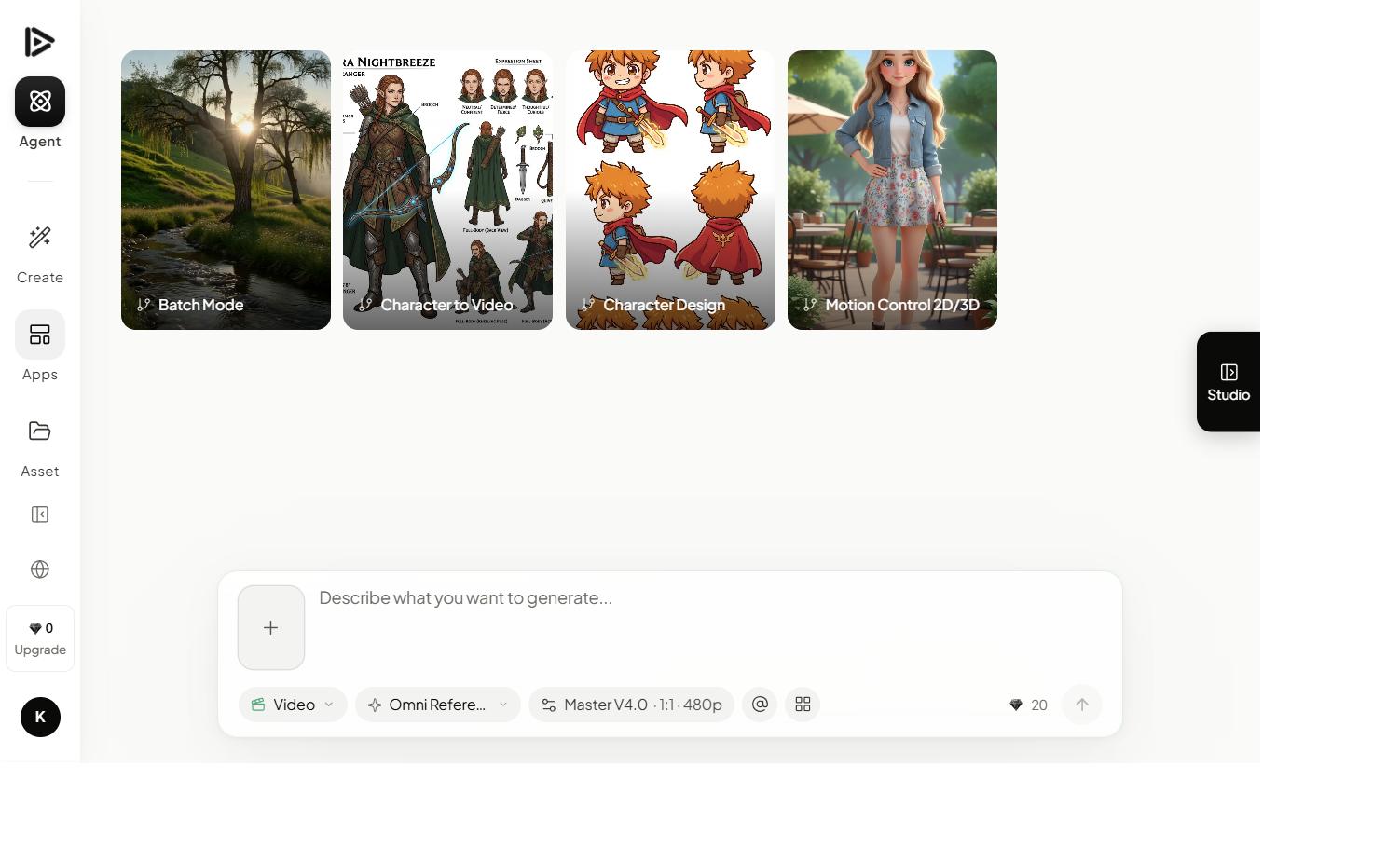
Save a character reference (person, product, mascot) and Deevid biases generations toward preserving facial geometry, clothing, and proportions across separate clips. The big surprise is that this feature is available even on the Lite plan, where most competitors gate it behind their Pro tier. Quality varies by underlying model: Kling is particularly strong here.
Real-world use case
You're storyboarding a narrative short. You can now actually tell a story across multiple cuts instead of concealing the fact that every cut has a new character.
Example prompt
[saved character: 'Mira, urban explorer'] [model: Kling]: Mira opening a weathered wooden door at dusk, rain on her jacket, low-angle shot, lens flare, motion-blurred background.
AI music, voice & image generation
Bundled with the video tools: generate the soundtrack, voiceover, and supporting images in the same subscription.
What it does
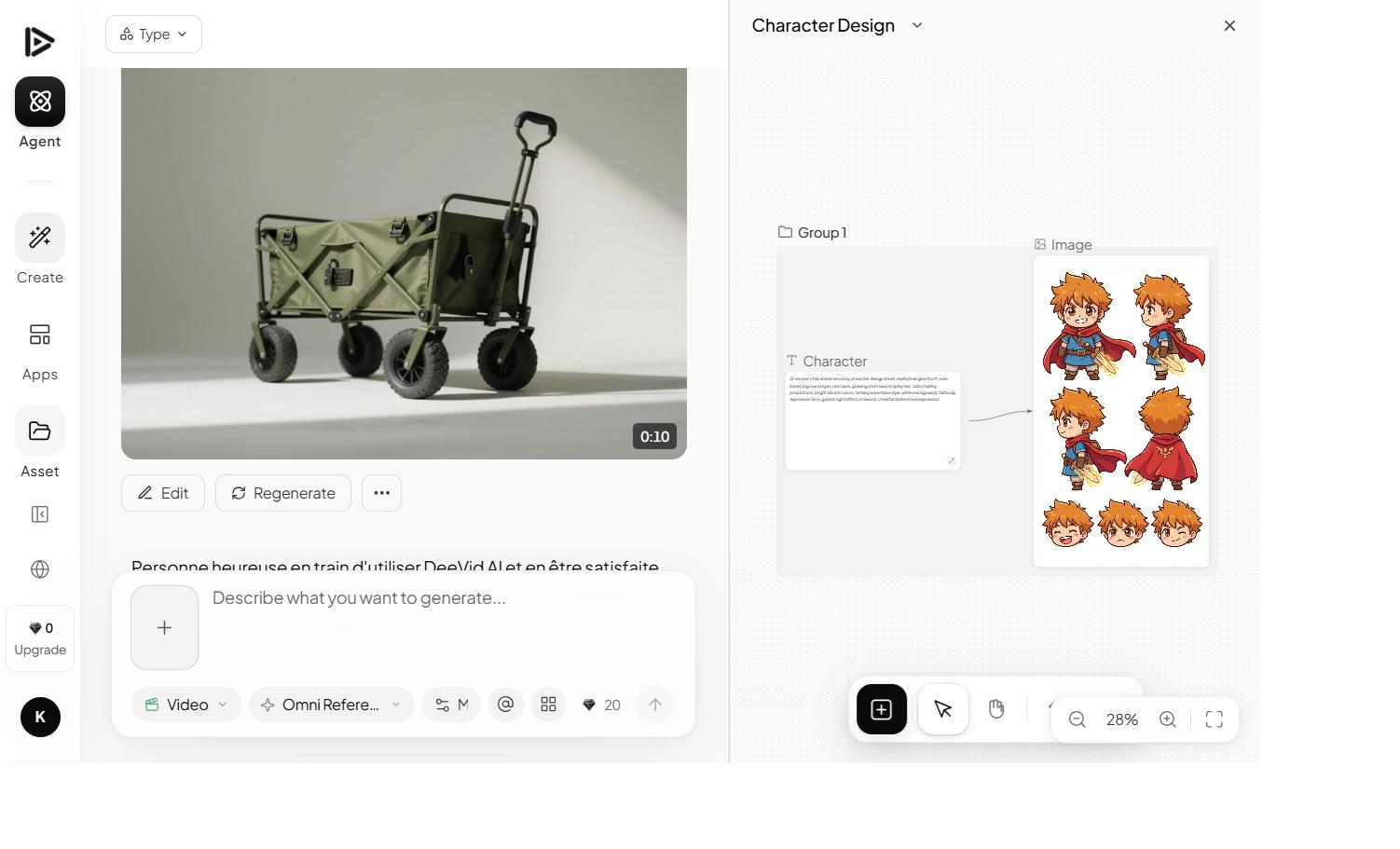
Beyond video, Deevid bundles AI music generation, voice synthesis, image generation, and photo editing into the same plan. For solo creators producing complete short-form content, this means one tool covers the whole pipeline: script the story, generate the visuals, generate the score, generate the voiceover. No extra subscriptions to ElevenLabs, Suno, Midjourney.
Real-world use case
A solo creator publishing weekly TikToks generates the visuals, an original royalty-free track, and a narrator voiceover entirely inside Deevid, replacing what would normally be three to four separate tools.
Example prompt
N/A: each tool has its own input. The credit balance is shared, so heavy music use eats into your video budget.
Commercial license
Every paid plan (yes, even Lite at $10/mo) includes a full commercial-use license. Rare clarity in a space full of footnotes.
What it does
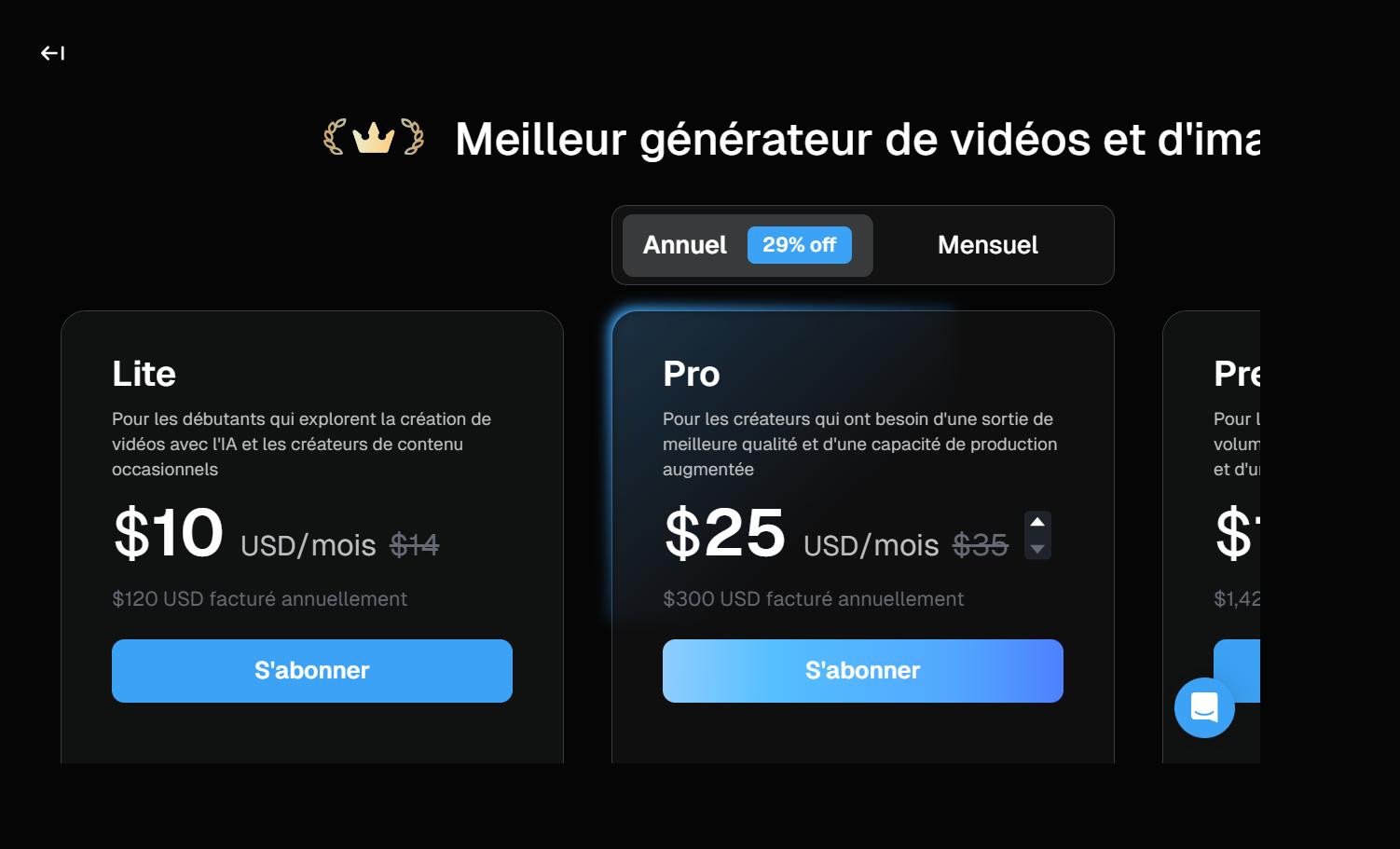
Most competitors lock commercial use behind their Pro tier ($30+/mo). Deevid's Lite plan at $10/mo includes full commercial use for all content you generate. No additional attribution. No watermark. No client-specific licensing exceptions. This alone makes Lite a legitimate plan for freelancers who bill occasional work, not a crippled demo.
Real-world use case
A freelance video editor can take on paid client work using Lite at $10/mo without worrying about licensing complications, a workflow that would cost $30+/mo on most competitor platforms.
Example prompt
N/A: included automatically on all paid tiers.
Multi-platform access
Web, Windows, Mac, iOS, Android: same account, same credits, same projects.
What it does
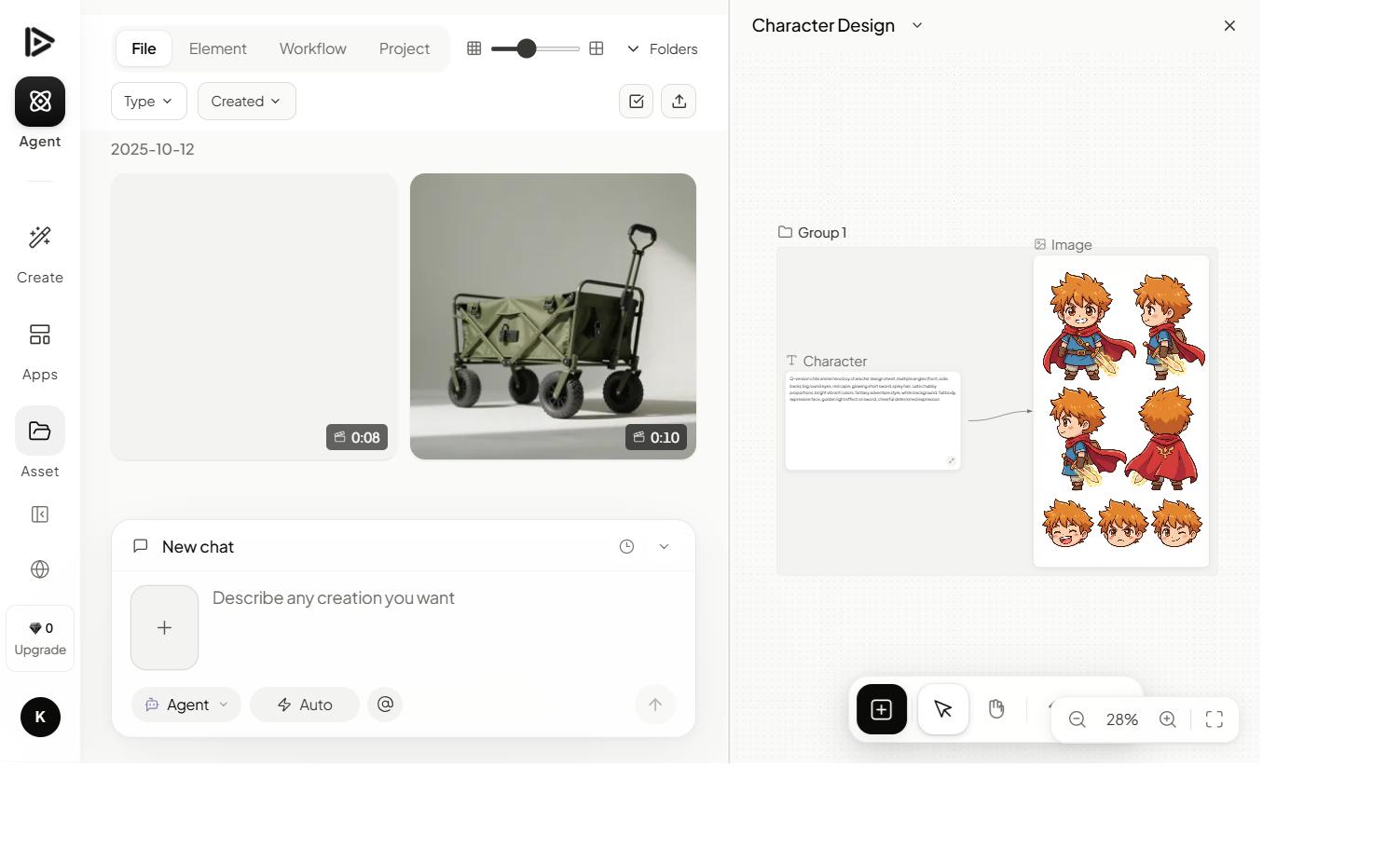
Deevid runs in the browser and ships native apps for Windows, Mac, iOS, and Android. Credits and projects sync across all of them. Useful when you want to start a generation from your phone while away from desk and finish editing on Mac.
Real-world use case
Kick off a render from the iOS app while on the train, refine the prompt from the Mac app at the office, deliver from web at the client's office.
Example prompt
N/A: install once per device with the same login.
Prompt enhancer
Rewrites weak prompts into production-grade inputs and saves measurable time once you learn to trust it.
What it does
Type a short prompt, hit Enhance, get a fuller prompt with subject, action, setting, mood, camera, lens and motion fleshed out. The enhancer is good, not perfect. It'll occasionally over-prescribe lighting or add a lens spec you didn't want. Treat it as a starting point. For beginners, it halves the time to a usable first render.
Real-world use case
A content marketer without a cinematography background produces consistently good output by writing bare-bones prompts and letting the enhancer add the production grammar.
Example prompt
Input: 'a coffee shop at sunrise'.
Enhanced: 'A cozy coffee shop interior at sunrise, warm golden light streaming through large windows, steam rising from a single cup on a wooden table, shallow depth of field, slow dolly-in, 35mm lens, soft ambient sound.'
Nine features, one tool.
Most creators end up using three or four of these regularly, which is why our Pro recommendation holds. Claim 20 free credits and find your core three.
Claim 20 free credits →