“Nano Banana” is the goofy nickname that took over AI image generation — and behind the meme name is one of the most capable image models Google has shipped. If you’ve seen flawless character edits, legible text inside generated images, and 4K outputs that look production-ready, there’s a good chance Nano Banana was behind them.
This guide explains what Nano Banana actually is, how the versions differ (Nano Banana, Nano Banana 2, Nano Banana Pro), what makes it special, and — practically — how to use it for both images and video.
What is Nano Banana?
Nano Banana is the nickname for Google’s AI image generation and editing model, part of the Gemini family. It started life as Gemini 2.5 Flash Image in 2025, picked up the “nano banana” nickname in the community, and the name stuck so hard that Google now uses it officially.
The thing that set it apart from the start wasn’t raw prettiness — plenty of models make pretty pictures. It was editing and consistency: the ability to take an existing image and change one thing while keeping everything else (and everyone’s face) intact, across multiple rounds of edits. That “keep the character, change the scene” capability is exactly what creators and marketers had been missing.
Nano Banana vs Nano Banana 2 vs Nano Banana Pro
The names get confusing fast, so here’s the plain version:
- Nano Banana — the original (Gemini 2.5 Flash Image). Fast, great at edits and consistency, the model that made the nickname famous.
- Nano Banana 2 / Nano Banana Pro — the upgrade, built on Gemini 3 Pro Image, released in late 2025 and rolled out broadly in 2026. This is the “pro” tier: higher fidelity, 2K and 4K resolution, dramatically better text rendering (legible words inside images, in multiple languages), stronger reasoning and world knowledge, and even better multi-turn editing.
In short: “Nano Banana” is the fast everyday model, “Nano Banana Pro” is the high-fidelity production model. When people search “nano banana 2” or “nano banana pro,” they’re after that upgraded Gemini 3 Pro Image version.
What makes Nano Banana different
Four things, mostly:
1. Character consistency. This is the headline. You can generate a character or upload a face and keep that same identity across endless variations — different outfits, scenes, lighting — without the face drifting into someone else. For storytelling, branding and product shots, this is the feature that matters most.
2. Text rendering. Most image models butcher text inside images. Nano Banana Pro renders legible, accurate words — posters, packaging, signage, multi-language text — which makes it genuinely usable for marketing assets, not just art.
3. Multi-turn editing. You can have a conversation with the image: “now change the background,” “now make it night,” “now add a logo here.” Each edit respects the previous ones instead of regenerating from scratch.
4. Resolution and detail. Up to 4K means outputs are clean enough for print and professional production, not just social thumbnails.
Where to use Nano Banana
Nano Banana is a Google model, so the first-party routes are the Gemini app, Google AI Studio, and Google Ads, plus the Gemini API for developers. For everyday image generation, the Gemini app is the simplest front door.
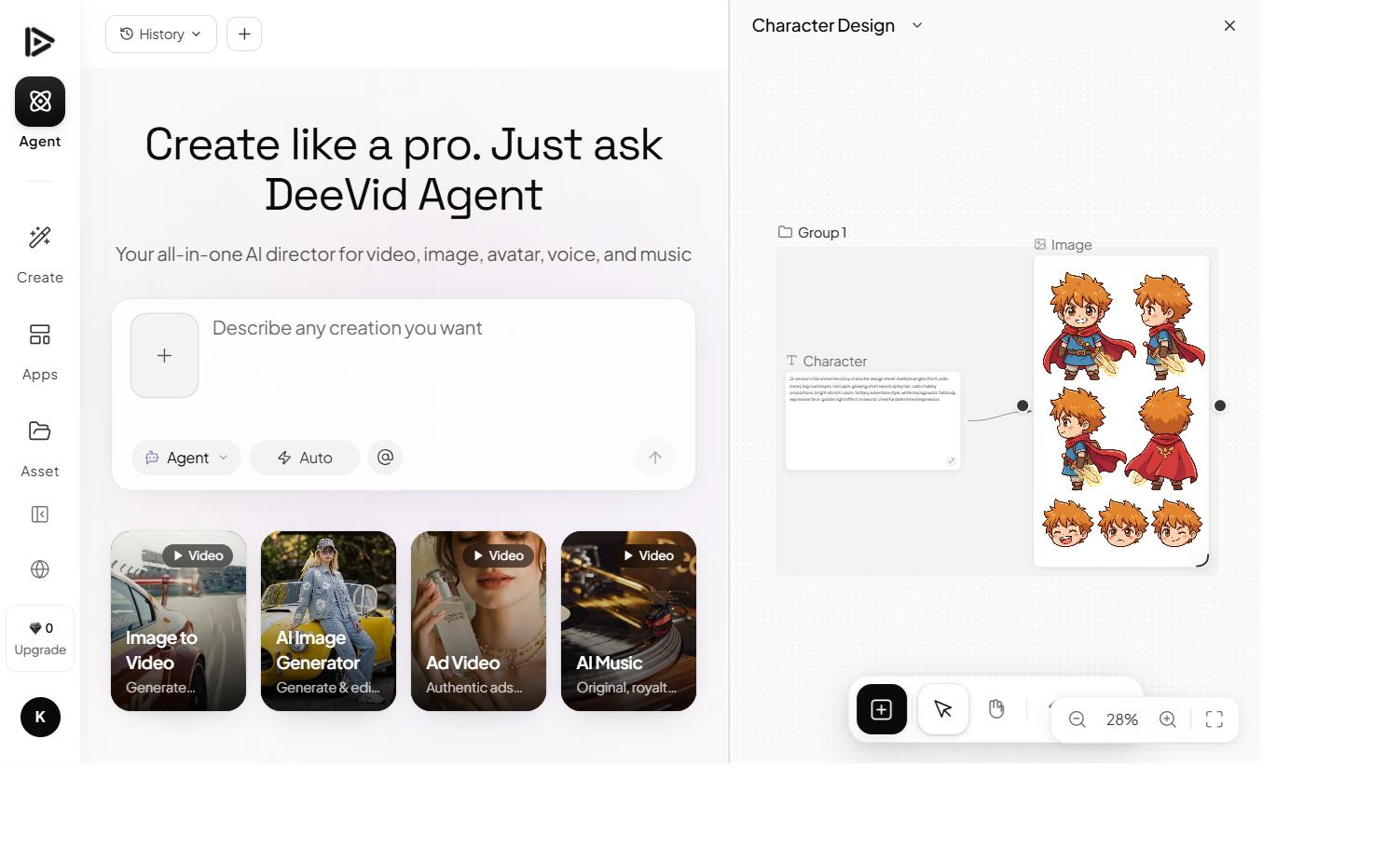
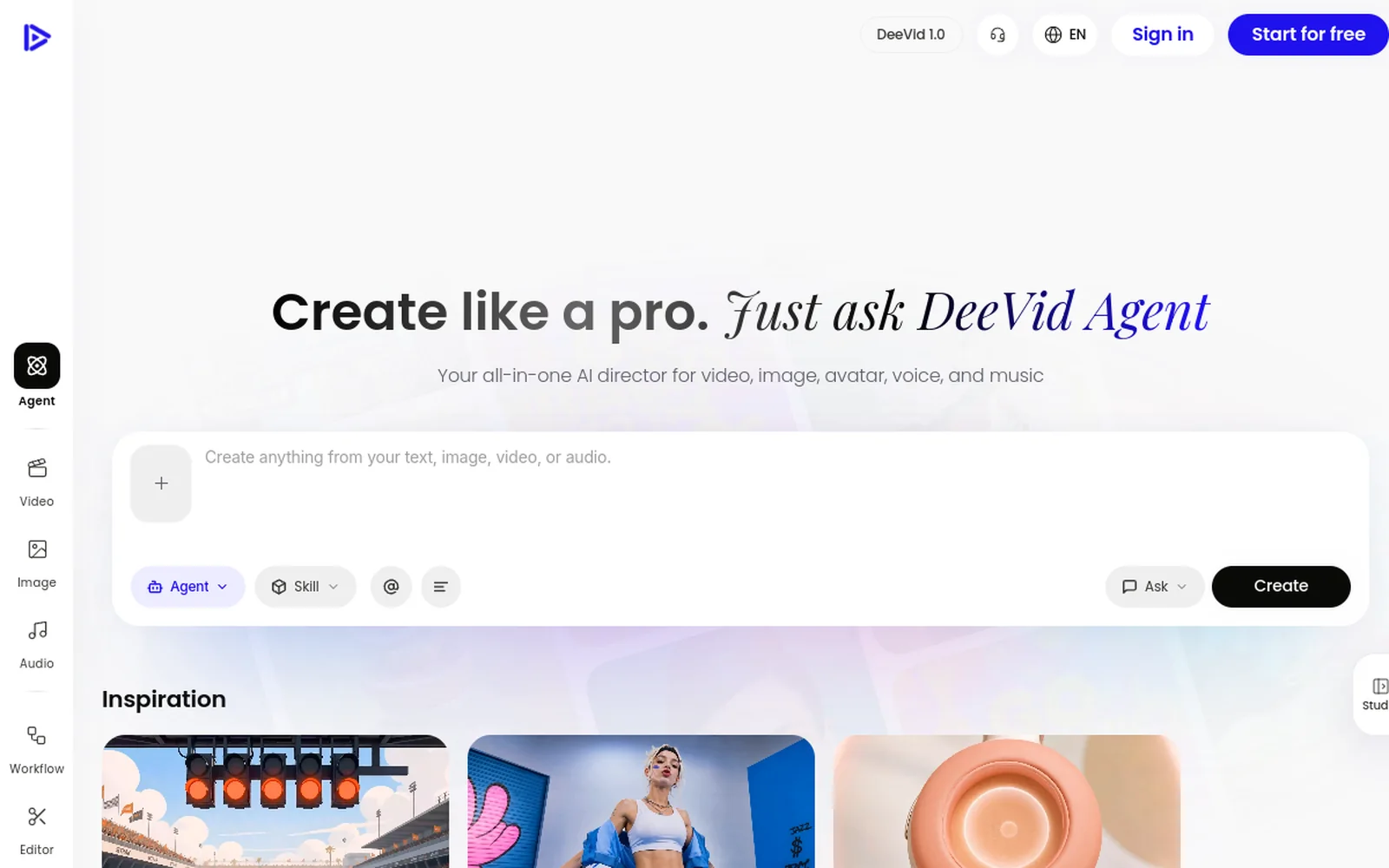
But there’s a catch if your goal is content, not just images: those tools give you stills. If you want to turn a Nano Banana image into a video, you need a tool that does both — and that’s where aggregators come in. Platforms like Deevid AI integrate Nano Banana alongside video models (Veo, Kling, Sora and more), so you can generate the image and animate it in one place.
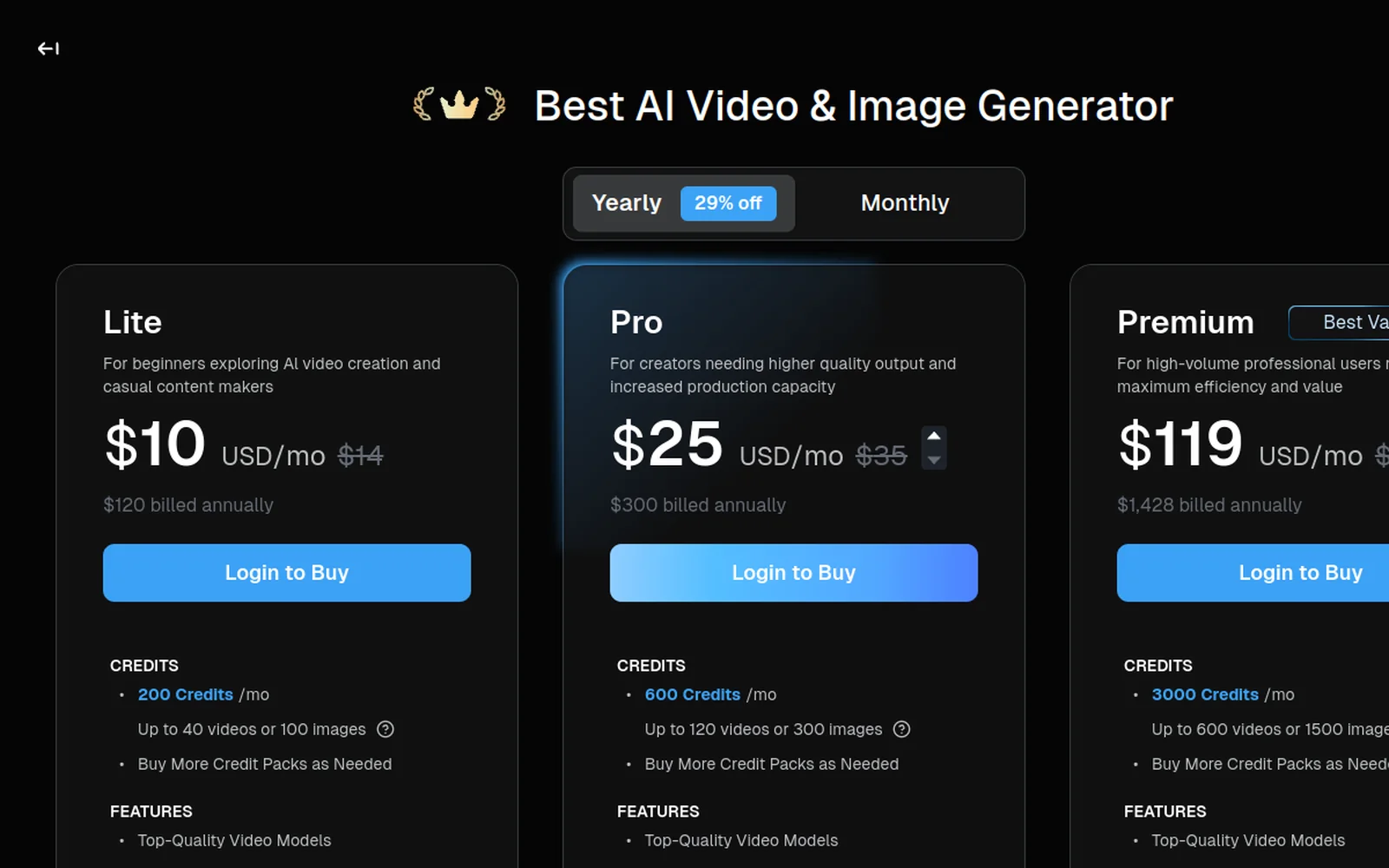
We compare that bundled approach against standalone tools in our alternatives hub — worth a look if you’re deciding between Google’s first-party apps and an all-in-one.
How to use Nano Banana, step by step
Here’s a walkthrough of using Nano Banana inside an all-in-one workflow, then the steps written out:
1. Pick the right entry point
For pure images, the Gemini app. For images you’ll turn into video, an aggregator like Deevid. Either way, select the Nano Banana / Gemini image model when prompted.
2. Write a clear prompt — or upload a reference
Nano Banana shines at editing, so you have two paths. Generate from scratch with a descriptive prompt, or upload a reference image (a face, a product, a logo) and tell it what to change. The second path is where the consistency magic happens.
Keep this person’s face exactly the same. Place them in a sunlit Tokyo street, wearing a navy coat, cinematic, photorealistic.
3. Edit in rounds
Don’t try to nail everything in one prompt. Generate, then refine conversationally: adjust the background, the lighting, the wardrobe, add text. Each round builds on the last — that’s the multi-turn strength.
4. Upscale and export
Push to 2K or 4K (on the Pro model) when you’ve got the composition you want, then export. For text-heavy assets — posters, ads, thumbnails — this is where Nano Banana Pro pulls clearly ahead of other models.
5. (Optional) Turn it into video
If you generated the image in an aggregator, drop it straight into image-to-video and animate it — a still product shot becomes a moving ad, a character becomes a clip.
What to make with Nano Banana
The model’s strengths map cleanly to use cases:
- Consistent characters for comics, storyboards and series content.
- Product shots — place the same product in dozens of scenes for ads and catalogues.
- Marketing assets with text — posters, social graphics, thumbnails with legible headlines.
- Photo edits — restyle, replace backgrounds, change outfits while keeping the subject.
- Brand-consistent visuals at 4K for professional production.
Tips for better Nano Banana results
- Lead with the reference. If consistency matters, upload an image and edit it rather than describing from scratch.
- Be explicit about what to keep. “Keep the face/product/logo identical” steers the model to preserve identity.
- Edit in small steps. One change per round beats one giant prompt.
- Use Pro for text and print. If your asset has words or needs 4K, the Pro (Gemini 3 Pro Image) version is worth it.
- Pair it with video if you’re making content, not just stills — that’s where the views are.
Nano Banana vs other AI image models
Where does it sit against the field? Broadly:
- vs Midjourney — Midjourney still wins on pure painterly aesthetics and stylised art. Nano Banana wins on control: editing an existing image, keeping a character or product consistent, and rendering legible text. For marketing and product work, that control usually matters more than artistic flair.
- vs DALL·E / GPT image — comparable on general generation, but Nano Banana’s multi-turn editing and identity preservation are its standout edge, and Nano Banana Pro’s 4K + text rendering pulls ahead for production assets.
- vs dedicated video models (Veo, Kling, Sora) — different category. Those make video; Nano Banana makes the image. The strongest workflow uses Nano Banana for the still, then a video model to animate it — which is why bundled platforms that carry both are so convenient.
The short version: if your priority is consistency, editing, and text, Nano Banana is hard to beat. If you want one-shot artistic images, other models are still in the conversation.
Nano Banana pricing and how to access it
Because it’s a Google model, access splits into a few routes:
- Gemini app — the easiest consumer entry, with free usage limits and paid Gemini plans for more.
- Google AI Studio / Gemini API — for developers and higher volume, billed via Google Cloud.
- Google Ads — Nano Banana-powered image generation is built into ad creation flows.
- Aggregators (e.g. Deevid) — bundle Nano Banana with video models on a single credit-based plan, which is the practical choice if you want image and video together.
Exact costs depend on the route and the resolution (4K Pro outputs cost more than standard), and free tiers generally watermark or cap usage. If your end goal is content you’ll publish or run as ads, budget for a paid tier so your output is clean and licensed — the same logic we lay out in our pricing guide.
Limitations to know
Nano Banana is excellent, not magic. Very complex scenes can still produce artefacts, extremely long text blocks can wobble, and like every model it occasionally misreads an instruction — so plan to iterate. And remember the first-party apps output images only; turning them into video requires a separate step or an all-in-one tool. Finally, “free” tiers exist but have limits and, on most platforms, watermarks or usage caps until you’re on a paid plan.
FAQ
What is Nano Banana AI? It’s the nickname for Google’s Gemini image generation and editing model, known for character consistency, strong text rendering and multi-turn edits.
What’s the difference between Nano Banana and Nano Banana Pro? Nano Banana is the original fast model (Gemini 2.5 Flash Image). Nano Banana Pro / Nano Banana 2 is the upgraded high-fidelity version (Gemini 3 Pro Image) with 2K–4K output and far better text rendering.
Is Nano Banana free? You can use it through Google’s Gemini app and AI Studio with free limits, and through aggregators on free tiers (usually watermarked/capped). Higher resolution, commercial use and heavy volume need a paid plan.
Can Nano Banana make videos? No — it’s an image model. To turn a Nano Banana image into video you animate it with a video tool; aggregators like Deevid let you do both in one place.
How do I use Nano Banana for ads or products? Upload your product or logo, tell it to keep that element identical, and generate it in new scenes — then optionally animate the best shots into video ads.
Nano Banana earned its hype the boring way: it’s genuinely good at the things creators actually need — consistency, legible text, clean edits, high resolution. Use the Gemini app for quick stills, the Pro version for anything with text or destined for print, and an all-in-one if your real goal is video. The silly name hides a serious tool.