Deevid AI vs Canva: which one should you pick?
Canva shows up in 'Deevid AI alternatives' lists because it's the default creative tool for millions — but the two solve different problems. Canva is a design-and-templates platform that added AI video (Magic Media) as one feature among hundreds. Deevid is a dedicated generative video engine bundling 14+ frontier models. If you already live in Canva, the question is whether its AI video is enough — or whether you need a specialist.
Deevid AI vs Canva, on screen.
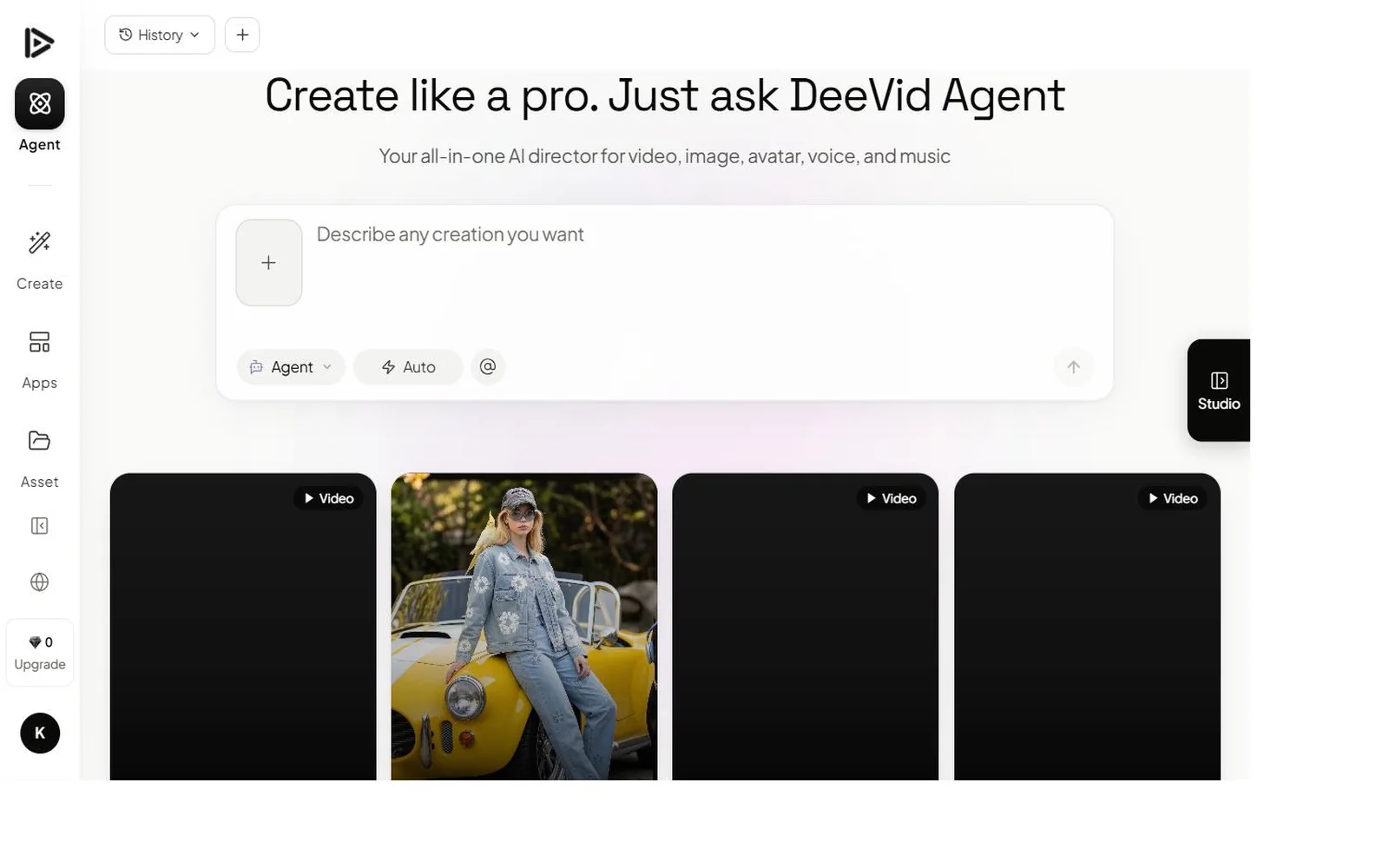
Deevid AI vs Canva, side by side.
We used identical prompts, identical briefs, and identical acceptance criteria for both tools. Here are the raw specs.
| Criteria | Deevid AI | Canva |
|---|---|---|
| Starting price | $10/mo | $15/mo |
| AI models bundled | ✓ 14+ (Sora 2, Veo 3.1, Kling, Runway, Pika…) | Magic Media (text-to-video) + 250k templates |
| Max resolution | 1080p | 1080p |
| Character consistency | ✓ All paid tiers | ✕ |
| Commercial license | ✓ All paid tiers | Pro+ |
| Watermark on paid | ✕ | ✕ |
| AI music + voice + image | ✓ Pro and Premium | ✕ |
| Our score | 9.2 / 10 | 7.6 / 10 |
Where Deevid AI and Canva each win.
Each row is a category we tested. The winner column is our call, supported by the side-by-side notes.
The fastest answer is to try both.
Deevid ships 20 free credits on signup — no credit card required.
Deevid or Canva: choosing by workflow.
- You need real generative video quality — ads, product motion, cinematic B-roll.
- You want frontier models and per-shot model selection.
- Character consistency across shots matters.
- Video is your primary output, not one asset type among many.
- You're already a Canva user and need occasional short AI video clips inside your existing workflow.
- You want templates, graphics, presentations and video in one tool.
- Your video needs are simple social clips, not generative scenes.
- A generous permanent free tier matters more than frontier output.
The details most Canva comparisons miss.
Why Canva appears in Deevid 'alternative' lists at all
Canva has 130M+ users, so it shows up in nearly every 'best [X] alternative' listicle by sheer gravity. But the overlap with Deevid is thin. Canva's AI video — Magic Media text-to-video plus AI effects — is designed to drop a quick animated clip into a social post or presentation, not to generate cinematic scenes. The honest framing: Canva is where you assemble and design; Deevid is where you generate. They sit at different points in the workflow, and for most serious video work they're complements, not substitutes.
What Canva Pro actually gives you for $15
Canva Pro at $15/mo is one of the best value propositions in software — 141M+ premium assets, 250k+ templates, the full design suite, brand kits, and 500 AI credits covering Magic Media generations. For a small business that needs graphics, social posts, presentations and the occasional short video, that single subscription replaces several tools. Deevid at $10-25/mo does one thing — generate video — but does it at a depth Canva can't approach. The value comparison only makes sense once you decide whether video is a side feature or your main deliverable.
The quality ceiling on Canva Magic Media
Magic Media is competent for what it is: type a prompt, get a short stylized clip suitable for a social background or a presentation accent. But it's a single integrated model, not a frontier-model bundle. There's no Sora 2, no Veo 3.1, no per-shot model selection, no character consistency. For product ads, narrative B-roll, or anything where the video itself is the point, the quality ceiling shows quickly. That's precisely the gap Deevid fills — and why creators who start with Canva's video often add a specialist tool once their ambitions outgrow Magic Media.
Deevid vs Canva: the trade-offs.
Deevid AI
- 14+ frontier video models — true generative quality
- Per-shot model selection + character consistency
- Cheaper entry ($10 vs $15)
- Purpose-built for video, not a side feature
- No design suite, templates, or graphics tools
- Thinner free tier than Canva
- Not an all-in-one — you bring assembly elsewhere
Canva
- Unmatched breadth — design, templates, presentations + video
- 250k+ templates and 141M+ assets
- Generous permanent free plan
- One subscription replaces several design tools
- Magic Media video is light — not frontier quality
- No Sora 2 / Veo 3.1 / model selection
- No generative character consistency
Common questions: Deevid vs Canva.
Is Deevid AI better than Canva for video?
Can Canva generate AI video like Deevid AI?
How much does Canva cost compared to Deevid AI?
Should I use Canva or Deevid AI?
Does Canva have a free video plan?
Which is better for social media content?
Deevid AI vs Canva in action.
Deevid or Canva — our final call.
Canva and Deevid barely compete — Canva is a design platform that does light AI video, Deevid is a video specialist. If you need a finished social graphic with a short animated clip, Canva is unbeatable for the price and breadth. If you need genuine generative video quality — scenes that look filmed, frontier-model output, character consistency — Canva's Magic Media won't cut it and Deevid is the right tool. Many creators use both: Canva to assemble, Deevid to generate the hero shots.— Marcus Hale, after 30 days with both tools
Try Deevid AI free.
20 free credits on signup, no credit card required. Cancel anytime on paid plans.
Claim 20 free credits →