
Every “AI video for YouTube” article reads the same: type a prompt, get a viral video, scale to 100k subs. This is not that article.
This is what actually works after watching creators integrate Deevid AI into real YouTube production workflows through Q1 2026. Which channel types fit, which don’t, the specific stack that ships, and the common mistakes that waste credits.
The channel types that fit Deevid well
Not every YouTube format benefits from generative AI video. These are the four that actually do.
1. Voice-led educational / essayist channels
If you’re running a channel where the primary content is narration (explainer videos, video essays, educational deep-dives) Deevid excels as a B-roll generator. Your script drives the video; Deevid fills the visual gaps where you’d otherwise cut to stock footage or motion graphics.
Typical use: a 10-minute essay video needs 40-60 visual beats. Buying stock for each is expensive and often off-key. Generating custom Deevid clips for each specific script line is ~$0.25 per beat on Lite or Pro, and the visuals match your narrative exactly. This is the highest-ROI YouTube use case for generative video in 2026.
Creators who fit: history explainers, science channels, philosophy essayists, tech deep-dives, business/finance commentary.
2. Faceless / silent-style narrative channels
Channels built around mood, visuals and music, without a human presenter, benefit from Deevid’s ability to produce cinematic mood B-roll quickly. This is where Luma Dream competes hardest, but Deevid’s broader model access gives you more stylistic range.
Creators who fit: travel aesthetic channels, cinematic commentary, atmospheric storytelling, meditative/ambient channels.
3. Product / review channels
Creators reviewing physical products can use Deevid’s image-to-video feature to turn product photos into motion shots, something that used to require real footage. For unboxings, feature close-ups, and comparison sequences, this is a real workflow unlock.
Creators who fit: tech reviewers, fashion/beauty reviews, gadget channels, home goods reviews.
4. Story / narrative / sketch channels
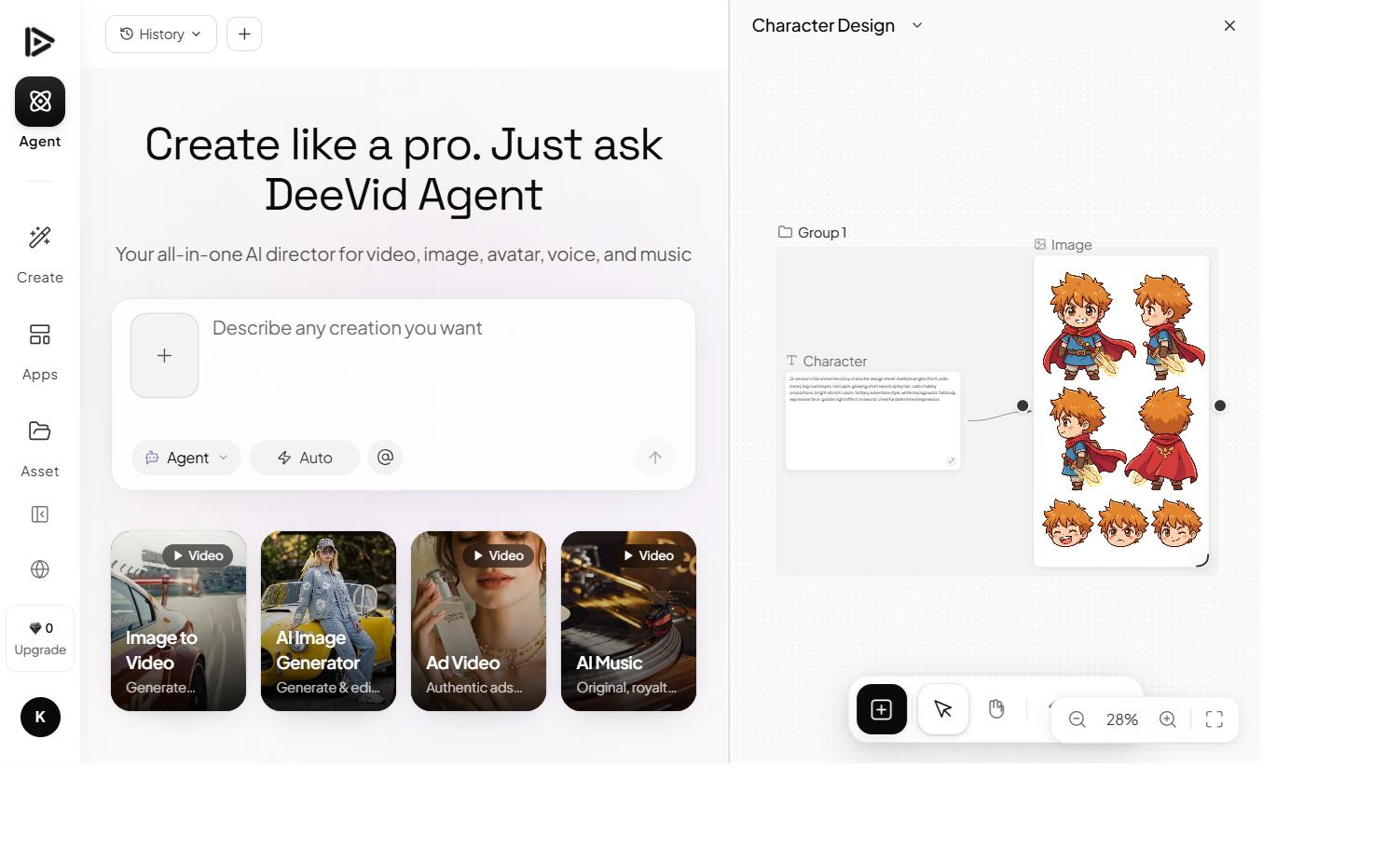
For creators producing short-form narrative content (sketches, mini-documentaries, POV scenes), Deevid’s character consistency feature makes multi-shot narrative viable. Not flawless, Hollywood isn’t worried, but viable for social-length output.
Creators who fit: short-form storytellers, POV-style content, visual skit formats, moody narrative shorts.
The channel types that don’t fit
Talking-head / presenter-led channels
If your content is you on camera (tutorials, vlogs, interviews, reactions) Deevid is irrelevant. You can still use it for intro sequences or cutaway B-roll, but it won’t replace your primary camera.
Gaming / screen-recording channels
Same logic. If your content is screen-based or gameplay capture, generative video doesn’t apply.
News / live-commentary channels
Latency matters. Generative video is not real-time, and most news-pace content shouldn’t be waiting for renders.
If your channel fits, test the workflow 20 free credits is enough to generate 4 B-roll clips and see whether Deevid matches your editorial style.
The YouTube production stack that ships
After tracking dozens of creator workflows, here’s the stack that consistently gets videos published. No magic, just the tools that integrate cleanly.
1. Script and planning → Syllaby
Before you open Deevid, you need a script. The single biggest credit-waste pattern among new creators is generating B-roll for scripts they haven’t finalized yet. Syllaby specializes in short-form script and content planning: it generates scripts, identifies B-roll needs, and builds a shot list before you spend a credit.
For long-form essay channels, even a basic Google Doc outline with marked B-roll insertion points beats opening Deevid with no plan.
2. B-roll generation → Deevid AI (Pro tier)
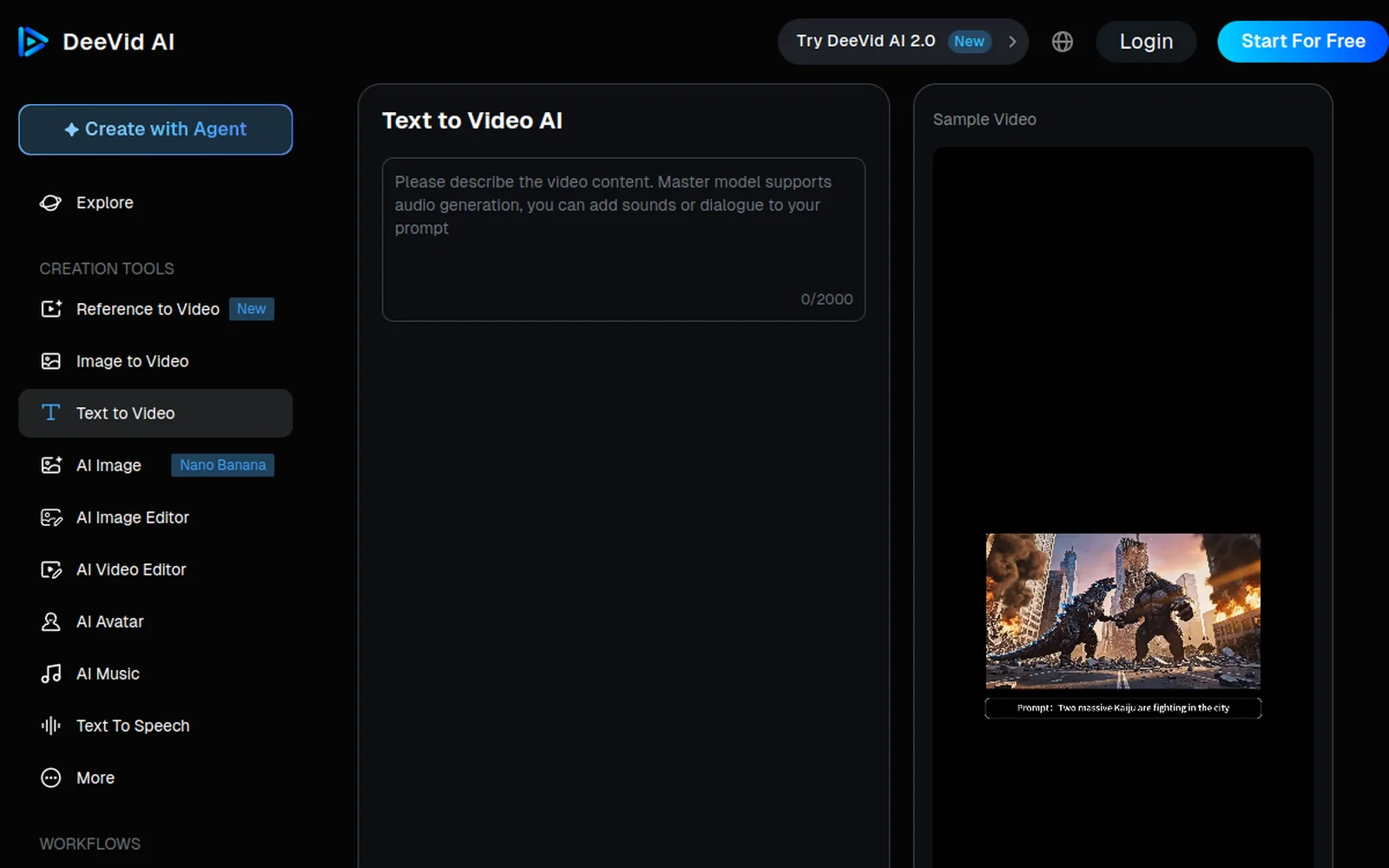
This is where Deevid earns its place. Open your script, find the first B-roll need, write a 5-part prompt, pick the right model for the style, generate 3 variants, pick the best.
Model selection matters here:
- Sora 2 / Veo 3.1: for cinematic narrative B-roll, product hero shots
- Kling: for action, motion, dance/sports content
- Pika: for fast iteration on stylized/social-feeling content
- Runway: for image-to-video when you have reference stills
- Haiper: for abstract or motion-graphics backgrounds
For a 10-minute essay, expect 15-25 generations × 3 variants = 45-75 credits per episode. Pro tier at 600 credits handles 8-12 episodes/month.
3. Captions → Submagic
YouTube rewards captions. Submagic auto-generates dynamic captions with word-level timing and style, dramatically better than YouTube’s built-in auto-captions for engagement. For Shorts especially, captions are non-negotiable.
4. Timeline editing → Filmora or CapCut / Premiere
Deevid generates clips. You still need to assemble them. Filmora is the easiest paid option for creators without a prior editor; CapCut is free and surprisingly capable; Premiere is the industry default. Pick whichever you already know.
5. Thumbnail / intro design → Canva, Photoshop, or dedicated thumbnail tools
Deevid isn’t a thumbnail tool. Don’t try to make it one.
Total monthly stack cost:
| Tool | Monthly cost |
|---|---|
| Deevid AI Pro | $25 |
| Submagic | $20 |
| Filmora (or CapCut free) | $0-$20 |
| Syllaby | $25 (optional) |
| Total | $45-$90 |
Build the stack Deevid for generation, Submagic for captions. Two subscriptions that cover 80% of what a YouTube creator needs in 2026.
A worked example: 8-minute essay episode
Here’s what a single essay episode looks like end-to-end in this stack.
Monday. Script the episode. 1,200-1,500 words of narration, ~18 marked B-roll beats. Plan: 5 minutes cinematic hero shots, 13 minutes supporting B-roll.
Tuesday. Record narration audio (any mic, any DAW). This is still the bottleneck for most creators, budget 30-60 minutes of real recording time.
Tuesday (same day). Open Deevid. For each of the 18 B-roll beats, write a prompt using the 5-part structure and generate 3 variants. ~54 generations total = ~270 credits.
Wednesday morning. Pick winners from Tuesday’s renders. Reject obvious fails, mark drift. Re-generate the failures with tweaked prompts, usually 3-5 retries = ~15-25 more credits.
Wednesday afternoon. Import all winning clips + your narration audio into Filmora / CapCut / Premiere. Build the timeline, cut clips to match narration pacing.
Wednesday evening. Feed exported video to Submagic for captions. 10-minute rendering, then export.
Thursday. Thumbnail, tags, publish.
Total credit usage: ~290-300 credits for one 8-minute episode. Pro tier at 600 credits/month = 2 episodes/month comfortably, 3 at a stretch.
For weekly uploads, Premium ($119/mo, 3,000 credits) is the honest recommendation. For bi-weekly, Pro works.
The five credit-wasting mistakes
Every creator starts out making these.
1. Generating without a script
Opening Deevid “to play around” burns credits on generations you won’t use. Always have a specific script line in mind before generating.
2. Not generating 3 variants
Picking the first render saves credits short-term and produces worse output long-term. The winner is rarely the first variant, usually the second or third.
3. Using Sora 2 for everything
Sora 2 is the most expensive model in the bundle per generation. Use it for hero shots that need physics quality or cinematic feel. Use Pika or Kling for supporting B-roll where volume matters more.
4. Ignoring image-to-video
If you have reference stills (product shots, location photography, brand references), using image-to-video is dramatically more predictable than text-to-video. Most creators never try it. Mistake.
5. Trying to generate legible text
Generative video models in 2026 still can’t reliably render legible text inside a scene. Don’t ask the model to produce a newspaper headline, sign, or UI screenshot. Add text in post.
The realistic output you can expect
A creator producing weekly essay content, running through the stack above for 3-4 months, hits a reliable state:
- 70-80% hit rate on generations (shots you’d actually use in your video)
- 20-30 shipped clips per episode from 50-70 generations
- 2-3 weeks of learning curve before the hit rate stabilizes
- Total production time per 10-minute episode: 6-10 hours, down from 12-20 hours with stock footage
The creators who don’t hit that state consistently share one issue: they’re treating Deevid as a one-click video generator instead of a precision tool. The beginner guide covers this framing in depth.
Prefer to watch? Here’s Deevid AI’s official product walkthrough:
Is Deevid the right YouTube investment?
Short version: yes, if your channel is voice-led, visual-led, or narrative-led and you’re producing at least 2 episodes a month. No, if your channel is talking-head, gaming, or live-commentary.
For the right channel types, Deevid at $25/mo (Pro) replaces a $200+/mo stock footage budget and unlocks visuals you couldn’t have afforded with traditional production. For the wrong channel types, it’s solving a problem you don’t have.
Ready to test the workflow on your channel? Claim 20 free credits and generate your first 4 B-roll shots. Or read the full Deevid AI review for the wider context.