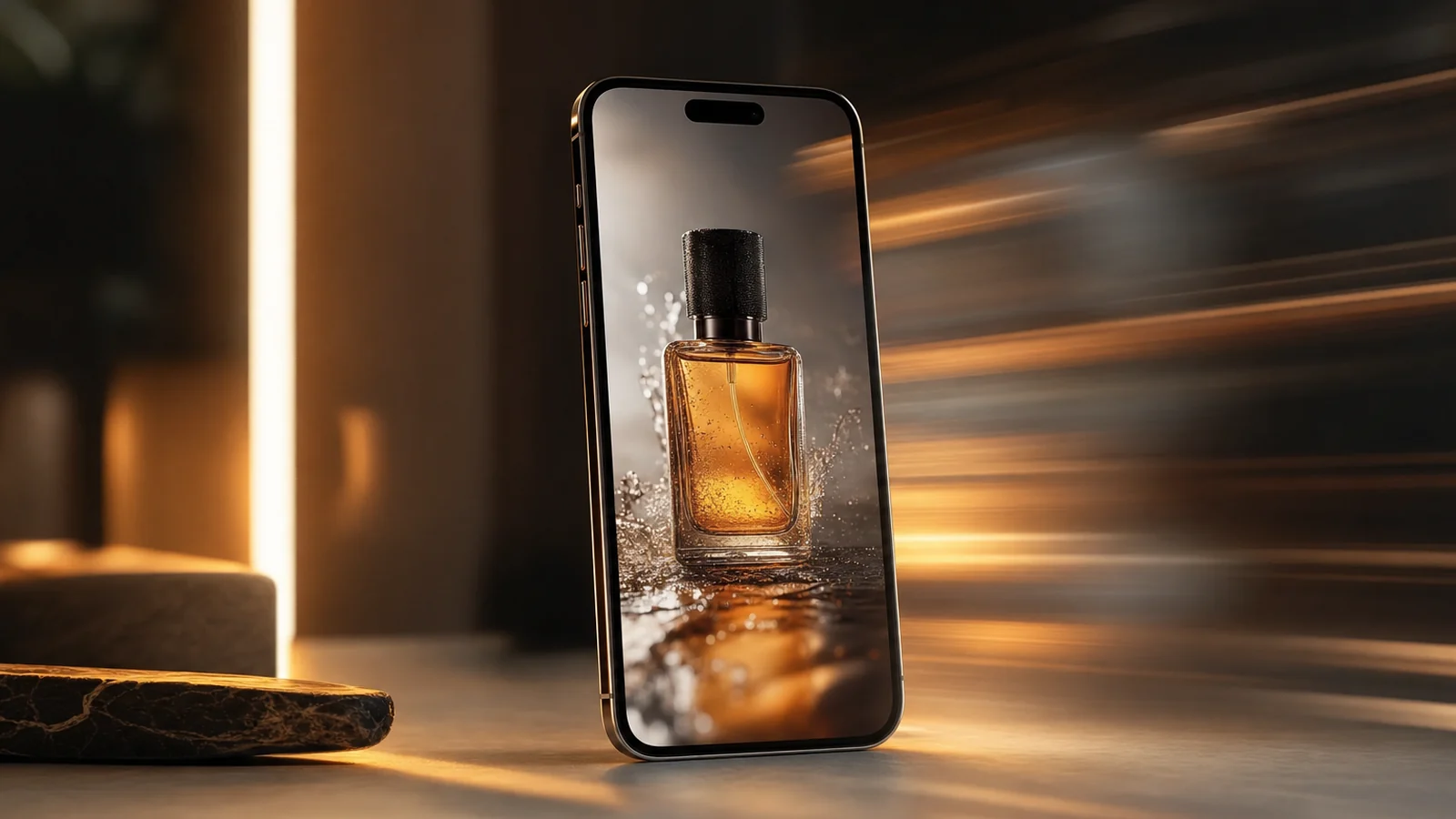
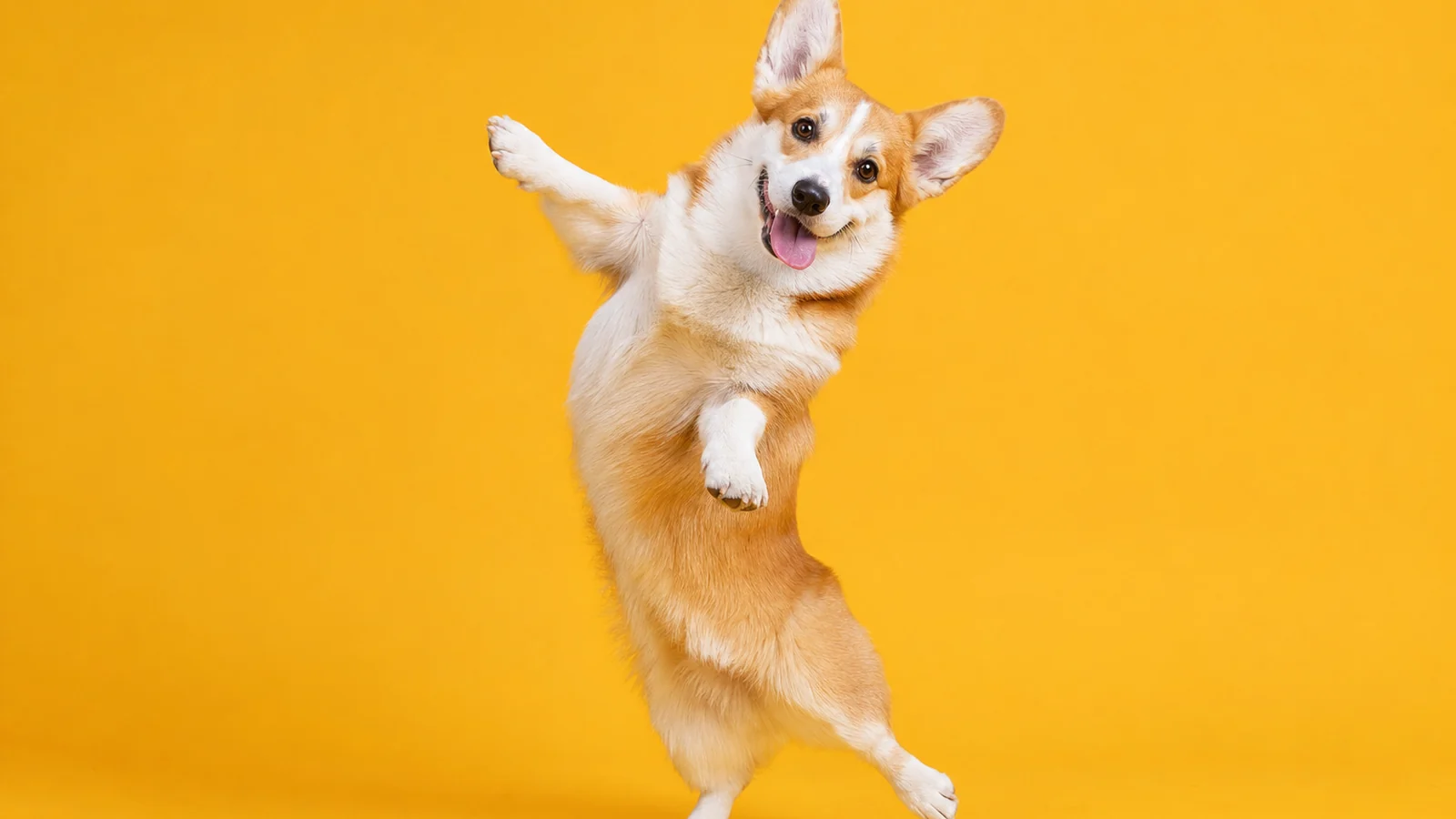
A corgi doing the cha-cha. A cat hitting a TikTok dance. A capybara grooving in sunglasses. AI dancing animals are everywhere right now, and unlike a lot of AI trends, they’re genuinely fast to make — minutes, not hours.
This is a quick, practical guide to making your own AI dancing animal video: pick the animal, generate it, give it a dance, loop it, and post. No animation skills, no editing rig.
Why AI dancing animals are everywhere
The appeal is simple: animals are universally likeable, dancing is universally funny, and AI removes the only hard part — actually animating a believable groove. The result is a format with huge, low-competition search demand. “AI dancing” pulls thousands of monthly searches, and the specific animals pull even more — “ai dog dancing” and “ai cat dancing” each rack up hundreds to thousands of searches a month, with barely any difficulty to rank for.
Translation: people are actively looking for how to make these and for the videos themselves. If you can ship them consistently, there’s an audience waiting.
What you need
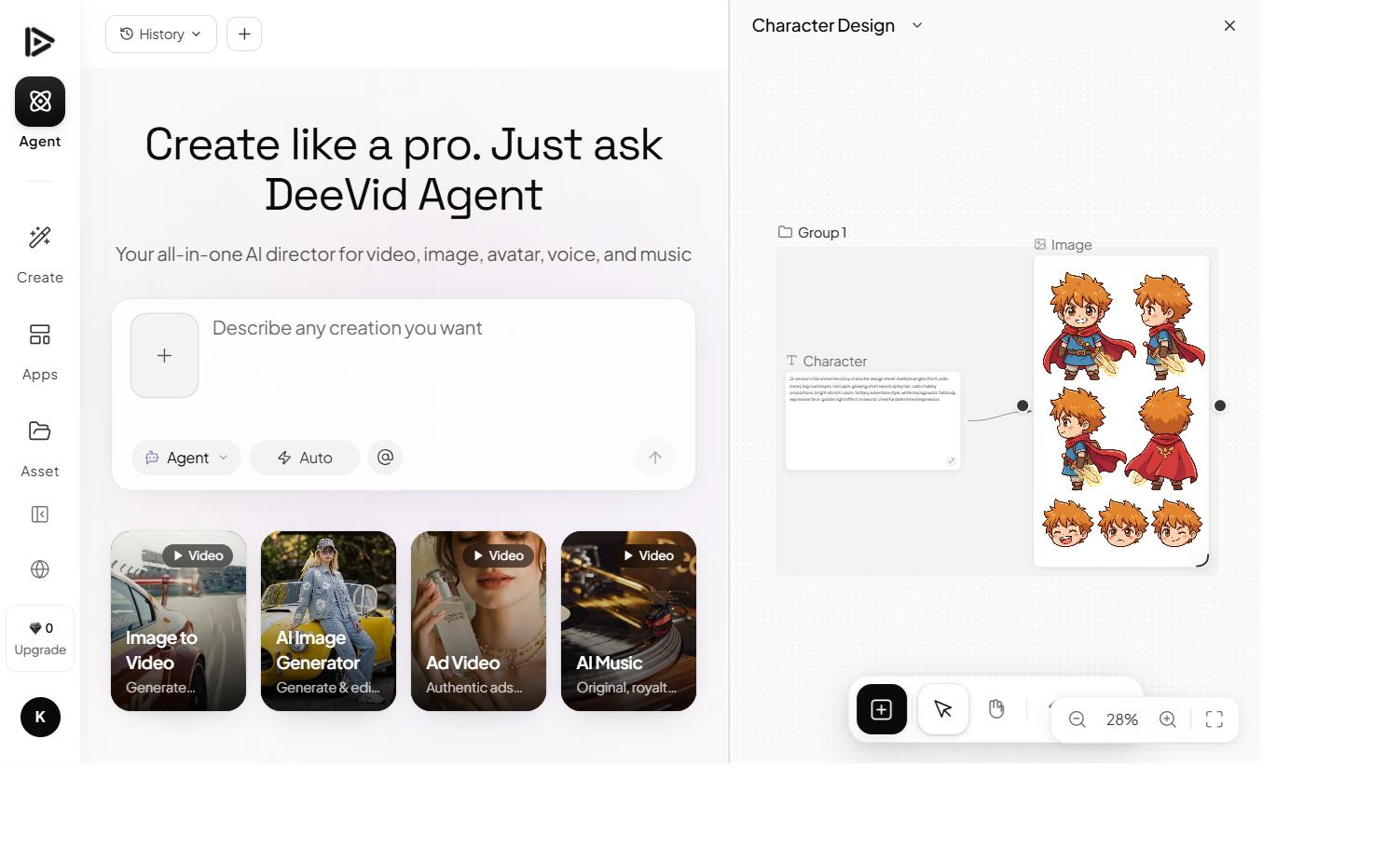
You need one tool that can both generate an animal image and animate it. Deevid AI does both in the same place, which is why most of these are made there rather than bouncing between apps.

The free tier gives you enough credits to test (watermarked), and the $10/mo Lite plan removes the watermark so your clips are clean to post. You don’t need the pricier tiers for this — dancing animals are short and simple.
How to make an AI dancing animal video, step by step
Here’s the walkthrough, then the steps written out:
1. Generate (or upload) your animal
Start with a clean image of your animal. Either generate one in Deevid’s image tool or upload a photo of a real pet. Keep it simple: one animal, clear pose, uncluttered background. A clean subject animates far more reliably than a busy scene.
A fluffy corgi standing upright on two legs, facing camera, plain studio background, photorealistic, soft lighting.
2. Add the dance with image-to-video
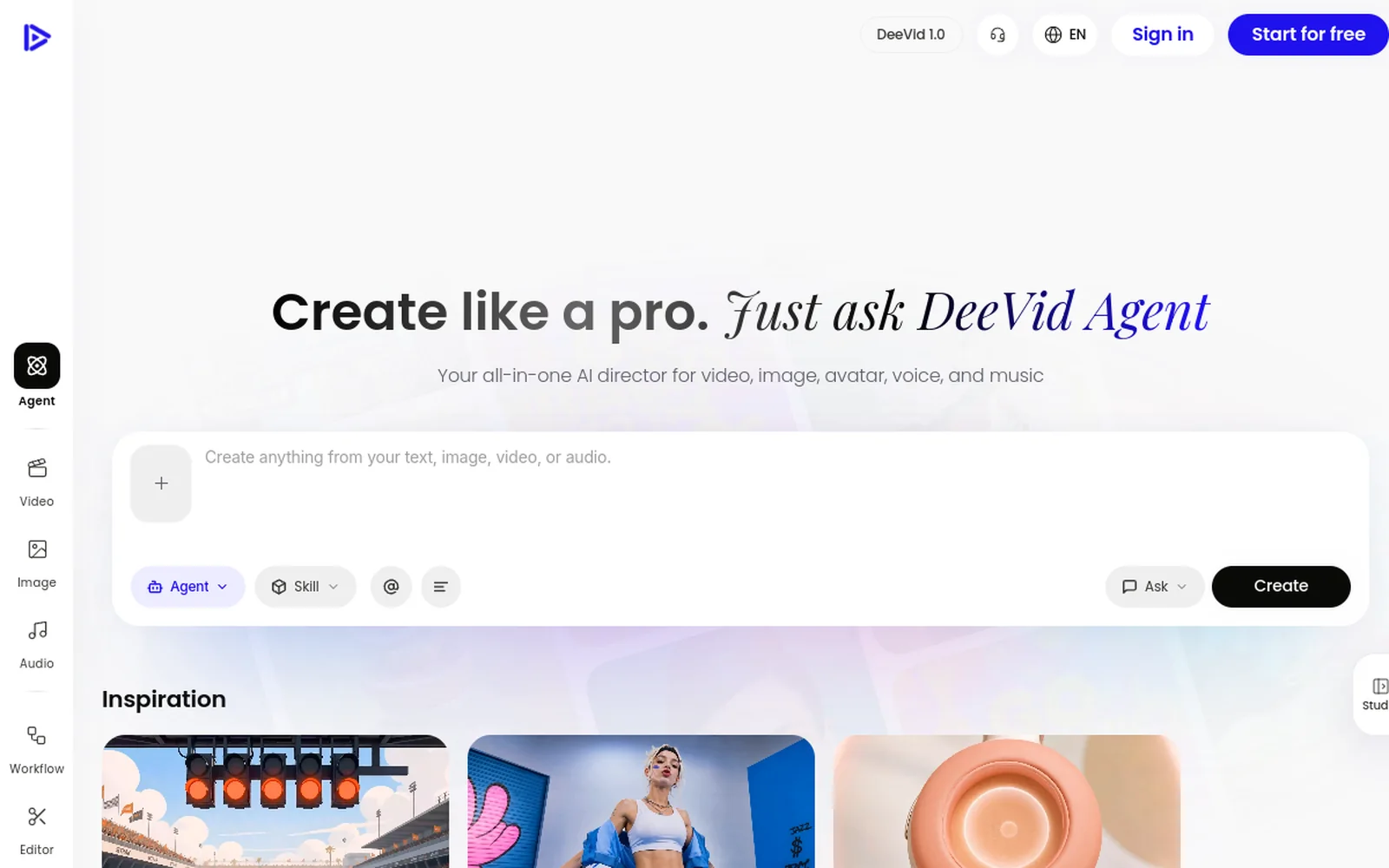
Drop the image into image-to-video and describe the move: “dancing energetically,” “doing a hip-sway dance,” “bopping side to side to music.” Keep the clip short — 4 to 6 seconds — and the motion looped and readable. You’re going for one clean groove, not a choreography routine.
3. Add music and loop it
Lay a short, punchy music loop under the clip — a trending sound works best. Make sure the start and end frames are close so it loops seamlessly; a clean loop is what makes people rewatch (and rewatches are what the algorithm rewards).
4. Format vertical and post
Export 9:16 for TikTok and Shorts, keep it under 10 seconds, and post. Simple, consistent, daily beats one elaborate clip a week.
The best animals (and prompts) for it
Some animals just land harder. From the search data, dogs and cats dominate, but the funniest results often come from unexpected choices:
- Dogs — corgis, huskies and golden retrievers read clearly and people love them.
- Cats — deadpan faces + a goofy dance is peak contrast comedy.
- Capybaras — inexplicably perfect; calm animal, chaotic dance.
- Farm and zoo animals — a dancing cow, llama or penguin is instant absurdity.
Prompt the animal cleanly, then prompt the motion with energy words: “energetic,” “rhythmic,” “bouncing,” “swaying.” If you want the same character across multiple videos, save the image and reuse it as your starting frame — our prompt guide covers keeping a character consistent.
Turn one clip into a channel
A single dancing corgi is a nice post. A system is what actually grows an account, and this format is built for one. Here’s the loop that works:
- Lock a character. Generate one animal you like, save the image, and treat it as your mascot. Reusing the same face across clips turns scattered views into a recognizable brand — people start following that corgi, not a random video.
- Vary the dance, not the animal. Keep the character, swap the move and the song each time: cha-cha today, breakdance tomorrow, a trending sound on the weekend. New input, same recognizable star.
- Batch your production. Because each clip is minutes of work, generate a week’s worth in one sitting and schedule them. Consistency is the single biggest lever on short-form platforms, and AI makes daily posting realistic for one person.
- Mine your own comments. The algorithm and your audience will tell you which animal and which dance landed. Double down on the winners instead of guessing.
This is the quiet advantage of AI content: the marginal cost of the next video is almost zero, so the creators who win are the ones who simply ship the most at a consistent quality bar — not the ones with the biggest budget. A dancing-animal account is one of the lowest-risk ways to learn that muscle.
Mistakes that ruin the clip
- Too much motion. Big camera moves warp the animal. Keep the dance contained.
- A busy background. Distracting scenes destabilize the animation — go plain.
- A clip that doesn’t loop. Mismatched start/end frames break the rewatch. Aim for a seamless loop.
- One and done. Reuse a winning animal-character across clips; recognition builds a following.
FAQ
What AI makes dancing animal videos? Tools that combine image generation and image-to-video in one place. Deevid AI is the common pick because you can generate the animal and animate the dance without switching apps.
Is it free? You can test on free credits, but exports are watermarked until you’re on a paid plan. The $10/mo Lite tier removes the watermark, which is all you need for this format.
Can I make my own pet dance? Yes — upload a clean photo of your pet instead of generating one, then add the dance with image-to-video.
How long should the video be? Short and looping — 4 to 10 seconds, vertical. The format rewards rewatches, not length.
AI dancing animals are about as low-effort as viral content gets: one clean animal image, one short dance, one music loop, posted vertical. The demand is real and the competition is thin — so the bottleneck is just hitting “generate.” Start on the free credits and make a corgi dance. For another one-click effect in the same vein, see the AI kissing video generator.