Sora is OpenAI’s text-to-video model, and Sora 2 pushed it to the front of the AI video conversation: hyper-realistic motion, sound, and a level of physical coherence most models still chase. This guide is the practical hub — what the Sora 2 AI video generator does, whether it’s free, how to generate a video with it, and how to do that without the two friction points everyone hits: the invite and the watermark.
What the Sora 2 AI video generator does
Sora 2 turns a text prompt into a short, high-fidelity video — complete with synchronized audio, believable physics, and cinematic motion. You describe a scene; it generates it. It’s particularly strong at realism and complex movement, which is why it’s become the benchmark people compare other models against.
Like all text-to-video, it works best on a single, well-described shot rather than a whole sequence — the same prompting discipline we cover in our text-to-video tutorial.
Is the Sora AI video generator free?
There’s free access, with the usual strings: limits on how much you can generate, and a watermark on output. Heavier use, higher quality and clean (watermark-free, commercially-licensed) exports come on paid plans — whether through OpenAI or through a platform that carries the Sora 2 model. We break the numbers down in our Sora pricing guide.
So “Sora free” is real for trying it; “Sora free, unlimited, no watermark” — the thing people actually search for — isn’t, on any route. Clean output is what you pay for.
How to generate a video with Sora 2, step by step
Here’s a Sora 2 workflow in action, then the steps:
1. Get to the Sora 2 model
Either OpenAI’s Sora app (invite-dependent) or an aggregator that carries the Sora 2 model (no invite — more on that below).
2. Write one strong shot
Describe a single continuous shot: subject, action, setting, camera, lighting, style. Sora rewards specificity — “a slow dolly-in on a lighthouse in a storm at dusk, cinematic, 35mm” beats “a lighthouse.”

3. Generate, review, iterate
Run it and judge against your brief. Adjust one variable at a time — the camera move, the lighting — and regenerate. Budget two or three takes per usable shot.
4. Export clean
On a paid tier you get watermark-free output with commercial rights — essential for anything you publish or sell.
Sora 2 without an invite or a watermark
These are the two things that stop people, and both have clean answers:
- No invite code? You don’t strictly need one. The Sora 2 model is available through aggregator platforms without OpenAI’s invite — full details in our Sora invite code guide.
- Hate the watermark? Don’t use a sketchy remover — generate watermark-free from the start through a licensed tool. We explain the honest way in our Sora watermark guide.
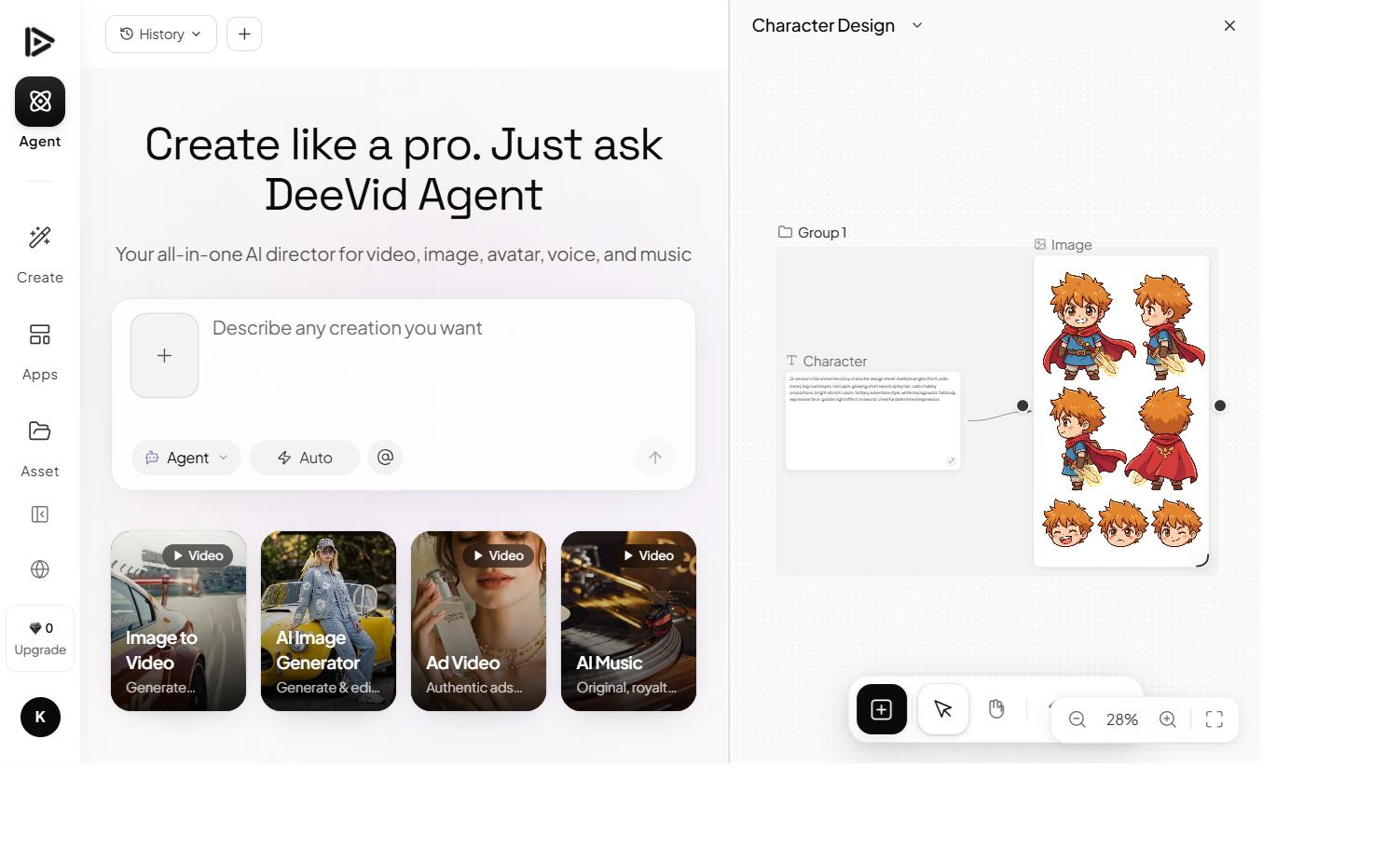
Platforms like Deevid AI carry Sora 2 alongside Veo, Kling and 11+ other models, so you get Sora 2 access and alternatives in one place — handy when a different engine suits a particular shot better.
Sora 2 vs the alternatives
Sora 2 leads on realism, but it’s not always the right tool — and it’s not the only one worth having. Veo 3.1 is a close rival, Kling is strong on stylised motion, Pika on quick social clips. The advantage of a multi-model platform is that you can run the same prompt through several engines and keep the best result. Our Deevid vs Runway comparison and alternatives hub cover how the bundles stack up.
What Sora 2 is best (and worst) at
Knowing where Sora 2 shines — and where it doesn’t — saves credits and disappointment:
Best at:
- Realism and physics. People, water, crowds, complex motion that holds together — this is Sora’s signature strength.
- Cinematic camera work. Dollies, orbits, and dramatic moves come out coherent rather than warped.
- Synced audio. Sora 2’s native sound is a real differentiator over silent-by-default models.
Weaker at:
- Legible on-screen text. Like most video models, words inside the frame still wobble — add captions in post.
- Long, multi-action sequences. It’s a single-shot engine; build longer pieces by stitching shots.
- Highly stylised looks. For some anime or illustrated styles, models like Kling can be a better match.
The practical upshot: reach for Sora 2 when realism and motion are the priority, and keep a stylised model on hand for the shots it’s not built for. That’s the everyday case for a multi-model setup rather than a single engine.
Tips for better Sora 2 video
- One shot per prompt. Sora handles a single continuous action far better than a sequence.
- Name the camera and lighting. They steer the result more than adjectives.
- Prototype cheap, finish premium. Validate a prompt on a fast model, then run the winner on Sora 2.
- Go paid for anything public. Free output is watermarked and capped.
FAQ
Is the Sora AI video generator free? There’s free access with limits and a watermark. Clean, unlimited, watermark-free output requires a paid plan, on any route.
Do I need an invite to use Sora 2? For OpenAI’s app, yes; for the Sora 2 model via an aggregator, no — see our invite code guide.
How do I remove the Sora watermark? Don’t strip it (terms/provenance issues) — generate watermark-free via a licensed tool. Details in our watermark guide.
Is Sora 2 better than Veo 3? Both are top-tier; Sora 2 leads on realism, Veo is a close rival. A multi-model tool lets you test both — see our comparisons.
The Sora 2 AI video generator is the realism benchmark, and using it well comes down to two things: prompt one strong shot at a time, and sidestep the invite-and-watermark friction by accessing the model through a licensed, multi-model platform. Test it free, then go paid for clean clips you can actually use.