
Google’s Veo 3.1 is, on its best day, the most photorealistic AI video model available in 2026, with native audio generation that most rivals still lack. But pricing it is frustrating, because Google doesn’t sell “Veo” as a product. It’s folded into Google AI subscription tiers and the Gemini API, and the per-tier limits are deliberately fuzzy.
Here’s the clearest breakdown we can give of what Veo actually costs, in plain numbers, plus the route that gets you Veo alongside Sora and Kling for far less.
The subscription tiers
Veo access comes through Google’s consumer AI plans (used via the Gemini app and Flow, Google’s filmmaking tool). Google restructured this lineup twice since this article first published: AI Plus dropped from $7.99 to $4.99 in June 2026 (storage doubled to 400GB), and the old single $249.99 Ultra plan split into two tiers at I/O in May, a new lighter Ultra at $100/mo, and the former top tier cut to $200/mo:
| Plan | Price/mo | Veo access |
|---|---|---|
| Google AI Plus | $4.99 | Veo 3.1 Fast generation (entry-level credits) |
| Google AI Pro | $19.99 | Veo 3.1 Fast, larger monthly credit allotment |
| Google AI Ultra | $100 | Higher Veo limits than Pro, 20TB storage, the new lighter Ultra tier |
| Google AI Ultra (top tier) | $200 | Highest Veo limits, 30TB storage, earliest access to new models |
The entry-level Plus at $4.99 is now an even cheaper door to Veo, still capped to the Fast variant and a small credit pool, fine for testing, tight for production. Pro at $19.99 is the realistic working tier for occasional Veo use. Serious volume now starts at $100/mo on the lighter Ultra tier: a real cut from the old $249.99 single tier, though the $200/mo top tier is still where the highest limits and earliest model access live.
Note: Google reshuffles these tiers often, the numbers above reflect the post-I/O 2026 restructuring (May-June 2026). Always confirm the current credit numbers on Google’s own plans page before subscribing, the structure below is what’s stable.
API pricing (per second)
If you’re building Veo into a workflow, the Gemini API is pay-per-second, audio included. Current published rates for Veo 3.1:
- Veo 3.1 Standard: $0.40/sec (720p or 1080p), $0.60/sec at 4K
- Veo 3.1 Fast: $0.10/sec (720p), $0.12/sec (1080p), $0.30/sec at 4K
- Veo 3.1 Lite: $0.05/sec (720p), $0.08/sec (1080p), the cheapest way to call Veo via API, new since the 3.1 line launched
So a single 8-second 1080p clip costs $3.20 on Standard, $0.96 on Fast, or just $0.64 on Lite. As with every per-second model, remember you’ll generate several takes per usable shot, budget 3-4× the single-clip cost for real output.
The honest catch
Two things make paying for Veo directly awkward:
- The good tier is still real money. Serious production volume lives on Ultra, now $100-$200/mo depending on tier. Plus and Pro remain testing-grade allotments.
- You’re locked to Google’s model. Veo is superb for photorealistic, audio-native shots, and weaker than Kling for some character work or Sora for certain cinematic motion. Paying only for Veo means paying again elsewhere when Veo isn’t the right pick.
Prefer to watch? Here’s a relevant Deevid AI clip:
The cheaper path: Veo inside a bundle
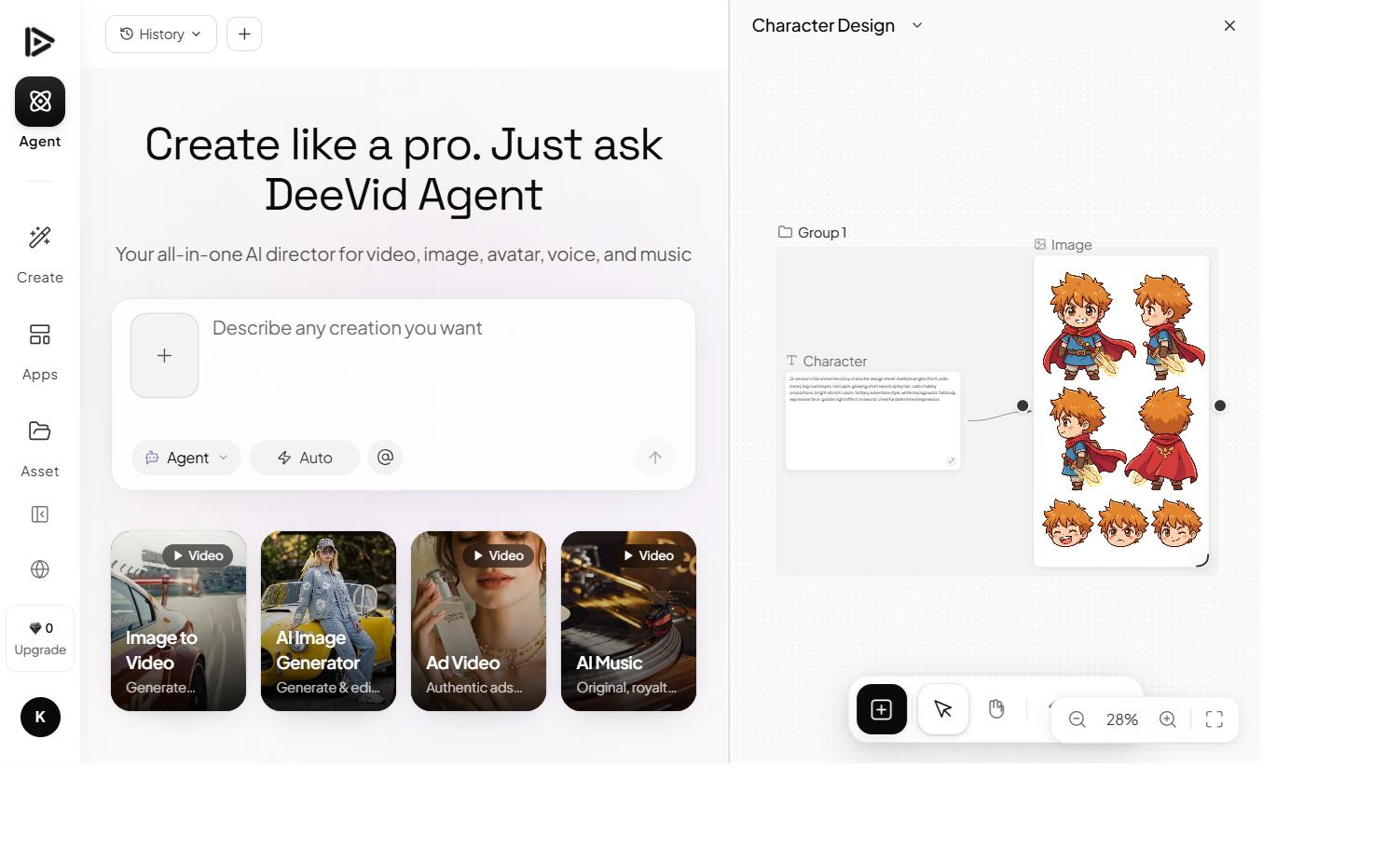
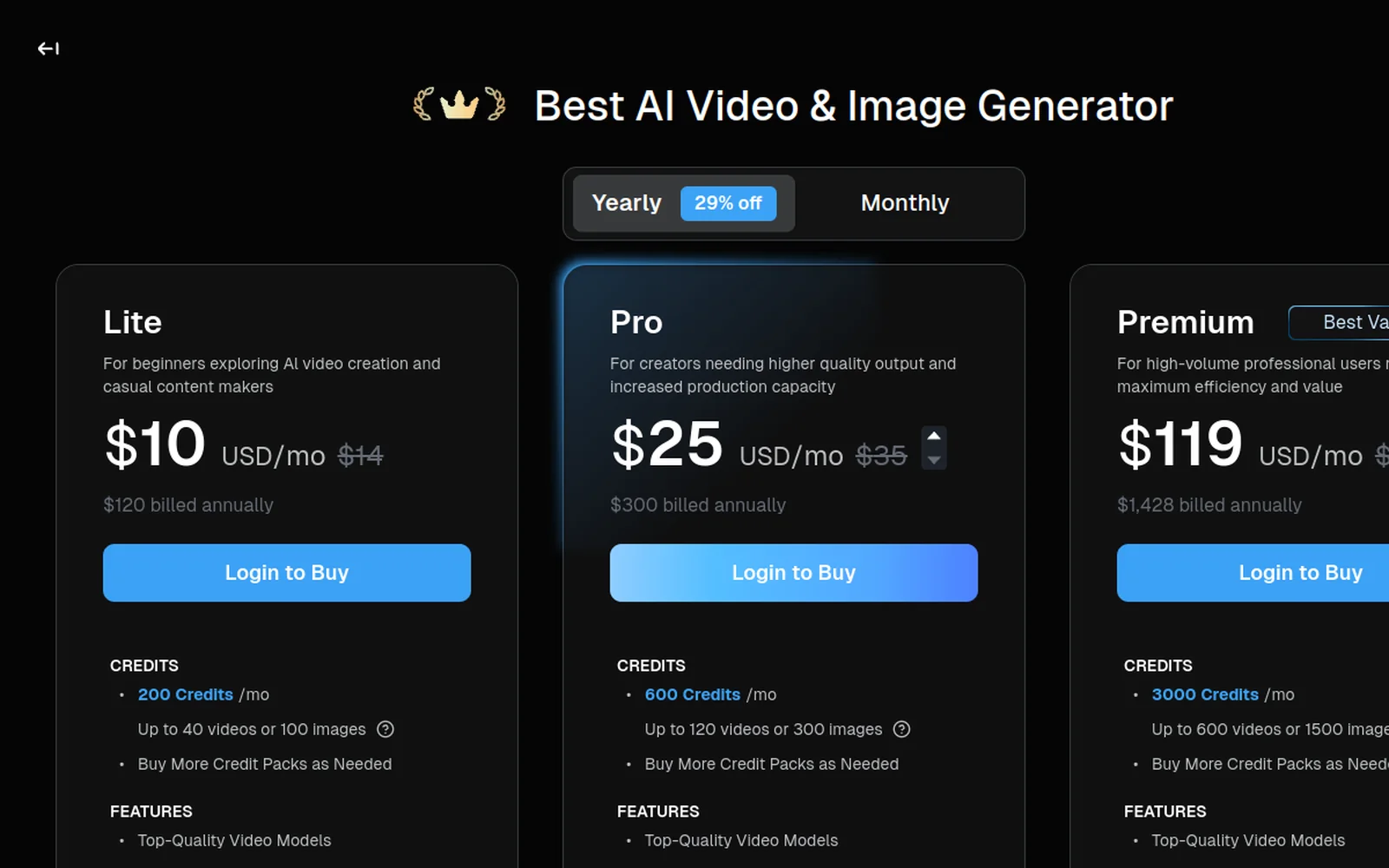
Most “Veo pricing” guides only compare Google’s own tiers. Here’s what they skip: Veo 3.1 is one of the models bundled inside Deevid AI, alongside Sora 2, Kling, Runway, Pika and 10+ others, for $25/month on the Pro tier.
Instead of up to $200/mo for serious Veo volume on Google AI Ultra, you get Veo plus every major competitor in one tool, and you switch to whichever model wins each shot. Need Veo’s audio-native realism for a product hero shot, Kling for a character close-up, Sora for a cinematic wide? One $25 bill, one timeline.
Want Veo 3.1 without paying up to $200/month for Ultra? Deevid bundles Veo 3.1, Sora 2, Kling, Runway and 10+ more for $25/month, pick the right model per shot. Test it on 20 free credits, no card required.
So which should you buy?
- Just testing Veo → Google AI Plus at $4.99/mo, knowing it’s Fast-only and credit-limited.
- Occasional Veo use → Google AI Pro at $19.99/mo.
- Studio volume, Veo specifically → Google AI Ultra, $100/mo for the lighter tier or $200/mo for the top tier.
- You want Veo and the alternatives → a bundle like Deevid ($25 Pro) is still meaningfully cheaper than either Ultra tier and gives you model flexibility per shot. For most creators, this wins.
- Developers → the API at $0.05-$0.40/second depending on quality tier, budgeted for multiple takes.
The bottom line
Veo 3.1 is one of the best models in the category, but Google’s pricing still makes it real money to use seriously on its own. Ultra now runs $100 to $200/mo (down from a single $249.99 tier), and you’re locked to one provider. Unless you specifically need Veo and nothing else, getting it bundled alongside Sora, Kling and Runway is both cheaper and more flexible.
Confirm Google’s current credit numbers before subscribing, and price out the full stack against a bundle before you commit to Ultra.
See the bundle math in our 30-day Deevid AI review, the pricing research, Deevid pricing explained, or the bundle calculator. Compare the sibling models: Sora 2 pricing and Midjourney pricing. Sources: Google One AI plans, Gemini API pricing.