
Every time a new “best AI UGC tools 2026” roundup drops, the same six or seven names appear in a ranked list. Arcads is #1. Or Creatify. Or Seedance. The ranking changes; the framing stays wrong.
These tools aren’t ranked competitors. They solve different jobs. A performance marketer pumping 50 ad variants per week wants something fundamentally different from a music-video director building a two-minute narrative. Treating them as interchangeable is why half the creators buying subscriptions end up with the wrong tool.
This piece is the framework version. Five jobs-to-be-done that show up in most creator workflows in 2026, and which tool each one points to. Skip the ranking. Pick by job.
What “AI UGC” actually means in 2026
UGC, user-generated content, originally meant real humans making authentic-feeling content. AI UGC means AI-generated content that’s designed to feel like it came from a real human, usually for ad creative, organic social, or short-form content.
The category now has five clear sub-jobs:
- AI actors reading scripts (TikTok ad UGC, product reviews, testimonials)
- High-volume ad variant generation (same product, 50 different angles, fast)
- Viral-format short video (TikTok/Reels/Shorts, script → finished clip)
- Artistic / music-video visuals (abstract, stylized, cinematic)
- Generated scene footage (B-roll, product motion, narrative shots)
Different tools win each job. None of them wins all five.
Job 1 · AI actors reading scripts → Arcads
If your output is a person holding your product and explaining it to camera, the prototypical “UGC ad”, Arcads is the current category leader.
The technical moat: Arcads uses motion capture data from real, consenting performers, not purely algorithmic avatars. The result is body language, micro-expressions, and speech timing that other AI UGC tools don’t match in 2026. On a 30-second ad scrolling past someone on TikTok, Arcads output is genuinely difficult to distinguish from real creator content.
Pricing is premium, Arcads doesn’t do a meaningful free tier, but for performance marketers running paid ads, the realism premium pays for itself on conversion rates.
Use Arcads when: your ad concept needs a person. You’re buying paid traffic, and a “this is obviously AI” flag would kill the CTR. You’ve already tested script variants and need the highest realism possible.
Don’t use Arcads when: your output isn’t a talking person. Arcads doesn’t generate scenes, B-roll, or product motion shots.
Test Arcads on your next campaign The realism difference is most visible on 30-second ad spots. Free trial on request, then starter plans from $110/mo.
Job 2 · High-volume ad variant generation → Creatify
If you run paid ads on Shopify SKUs, Meta dynamic creative testing, or anything else that rewards pumping out 30+ variants per product per week, Creatify’s automation beats every other tool in the space.
The workflow: paste a product URL. Creatify scrapes the images, writes a script from the product copy, picks an avatar from its 900+ library (on Pro plans), generates the video. End to end in minutes. Duplicate for 30 variants with different angles, hooks, and pacing.
The output realism is slightly below Arcads: the avatars are more “algorithmic avatar” than “mocap-driven.” For ads, though, the automation usually wins. You’ll test 30 Creatify variants, find 2 that perform, and beat a single highly-polished Arcads video on ROAS almost every time.
Use Creatify when: you need volume. You’re testing. You have a catalog of products and a paid ad budget that rewards variants.
Don’t use Creatify when: you need one polished hero video. Arcads will beat it on realism.
Creatify’s URL-to-video is the fastest path to 30 ad variants Free tier available: paste a product URL and generate your first batch in under 10 minutes.

Job 3 · Viral-format short video → Revid or InVideo AI
If your output is TikTok/Reels/Shorts (the faceless-creator format with text overlays, stock footage, AI voice-over, and fast cuts) the tooling is different again.
Revid specializes in the format. It’s optimized specifically for TikTok-style vertical video: paste a script, pick from 50+ voices, get a finished short with captions, stock clips, and music. Output leans punchy and social-native rather than cinematic. No lip-sync, which is fine, the format doesn’t need it.
InVideo AI is the other option, and it’s the more powerful tool, it bundles Sora 2 and Veo 3.1 for generative inserts, has a bigger stock library, and supports voice cloning. The tradeoff: InVideo starts at $28/mo with a 50-minute cap; Revid is cheaper for pure volume.
Use Revid when: you’re publishing volume short-form, particularly faceless channels (explainer YouTube Shorts, faceless TikToks, voice-led Reels). You care about throughput.
Use InVideo when: you want the same format but with generative inserts and a more polished finish, and you’re fine with the minute cap.
Don’t use either when: your work isn’t short-form voice-led. Both tools flatten out when pushed toward long-form or non-voice-driven content.
Job 4 · Artistic / music-video visuals → Kaiber
Kaiber sits in its own corner of the category. It’s built for artists (music video creators, experimental filmmakers, visual storytellers) not ad ops. The canvas metaphor is literal: you layer AI-generated images, video clips and animations and explore how they interact with audio.
Credibility check: Kaiber contributed visuals to Linkin Park’s “Lost” music video. That’s a different positioning than any ad-focused tool on this list.
The tradeoff: Kaiber requires significant manual work to build a cohesive piece. You don’t prompt once and get a finished 3-minute music video. You assemble, layer, iterate. This is a feature if you’re an artist, a bug if you’re a growth marketer.
Use Kaiber when: the output is art, not performance. Music videos, experimental shorts, abstract visual pieces, cinematic experimentation. You value creative control over speed.
Don’t use Kaiber when: you need speed to deliverable. Kaiber rewards time in the canvas; it punishes hurry.
Pick your short-form tool Revid is cheaper for pure throughput. InVideo ships more polished output with generative inserts.
Prefer to watch? Here’s Deevid AI’s official product walkthrough:
Job 5 · Generated scene footage → Deevid AI or Seedance
If your output is generated scenes (product motion, B-roll, narrative shots, ad backgrounds) you’re in generative-video territory, not UGC-avatar territory.
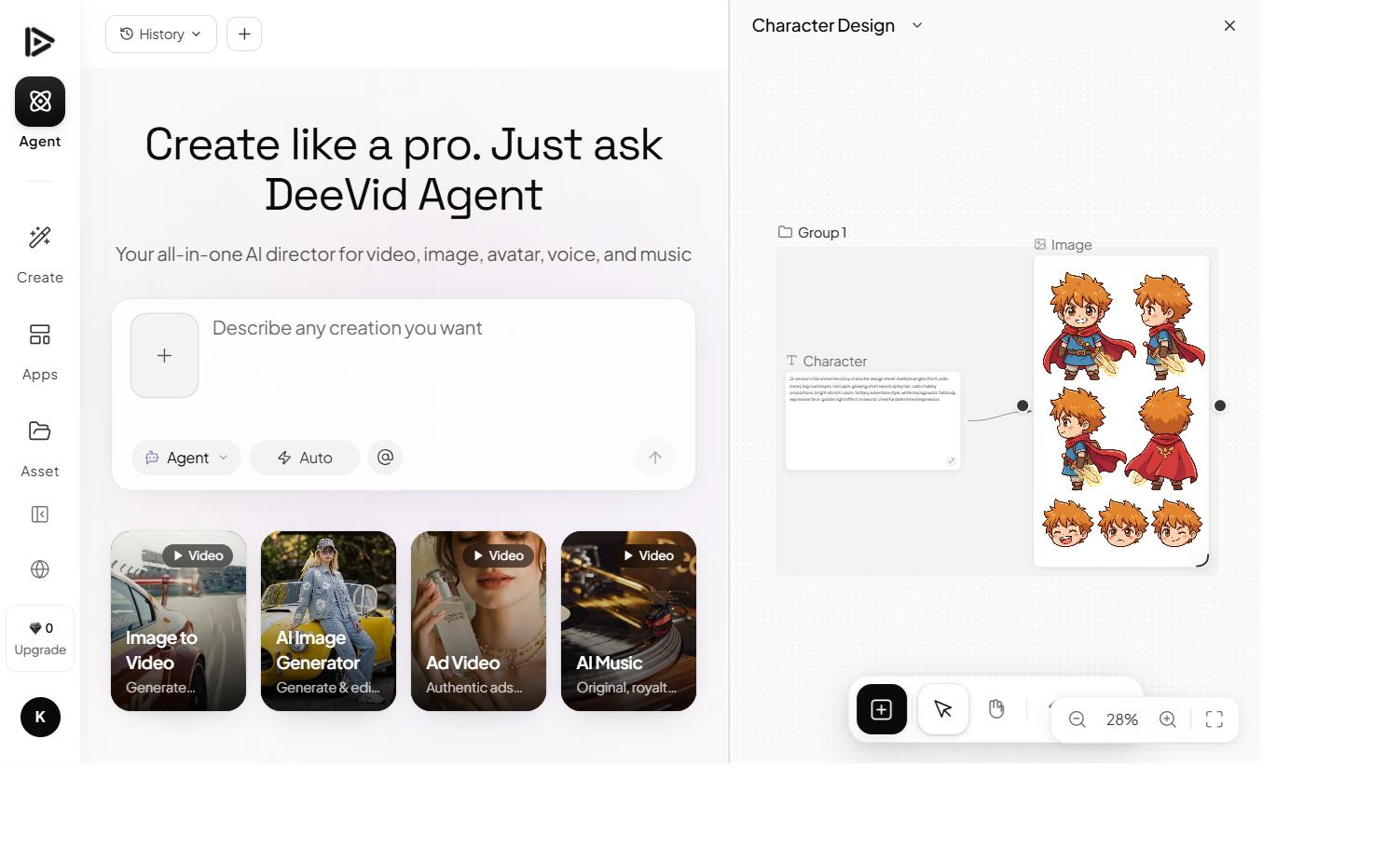
Deevid AI is the bundle play. One subscription gets you 14+ frontier video generation models (Sora 2, Veo 3.1, Kling, Runway, Pika, Haiper, and more). Lite starts at $10/mo. If you don’t know yet which generative model fits your style, Deevid is the lowest-risk way to find out without paying three different subscriptions.
Seedance is the direct-model play. ByteDance’s Seedance 2.0 currently holds the #1 Elo rating on the Artificial Analysis Video Arena, it’s the best single model if you want unified audio+video generation in a single pass, and generation times dropped from 5+ minutes to under 2 minutes per clip in 2026. At $20/mo starting, it’s direct access to one of the strongest models on the market.
The decision: if you want variety across model styles, bundle with Deevid. If you’ve tested Seedance against the alternatives and know it’s your model, go direct.
Use generative-scene tools when: your output is footage, not a talking human. Products in motion, cinematic B-roll, ad backgrounds, narrative shots.
Don’t use them when: you specifically need a person reading a script, that’s Arcads/Creatify territory, not Deevid/Seedance.
Start with Deevid AI: 14+ models on one subscription $10/mo Lite or 20 free signup credits. Lowest-risk entry into frontier generative video.
The stack: when to combine tools
The single biggest mistake in this category is picking one tool and trying to make it do every job. The second biggest is picking six and drowning in subscriptions.
The realistic working stack for most creators in 2026 looks like this:
| Layer | Tool | Monthly cost |
|---|---|---|
| Scene generation / hero shots | Deevid AI (Pro) | $25 |
| UGC actor / talking-head ads | Creatify or Arcads | $40-$90 |
| Short-form assembly + captions | Submagic (captions) | $20 |
| Script + content planning | Syllaby | $25 |
| Final edit | Filmora / CapCut / Premiere | $0-$20 |
Budget range: roughly $110-$180/mo for a real creator stack that handles generation, UGC, captions, and assembly. Trying to do this on one tool means either massive compromises on output quality or picking the wrong tool for half the jobs.
The 80/20 starter stack if you’re just beginning:
- Deevid AI for generated footage ($10 Lite or $25 Pro)
- One UGC tool: Creatify if volume, Arcads if realism
- Submagic for captions on everything
- One free editor: CapCut is fine
That’s ~$75/mo and covers 80% of what most creators need in 2026.
What’s changed vs 2024
Two years ago, “AI UGC tool” meant one thing, avatar reading a script. Today the category has fragmented into the five jobs above, and each has a clear winner.
What’s also changed: the single-tool bet is now a worse strategy than the stack bet. Every winner in this space specializes hard on their niche, so picking one tool means accepting it’s mediocre at the other four jobs. The creators producing the best work in 2026 run 3-4 tools and move footage between them.
Quick-reference matrix
| You need… | Best tool | Why |
|---|---|---|
| AI actor in an ad | Arcads | Mocap-driven realism beats algorithm avatars |
| 30+ ad variants fast | Creatify | URL-to-video automation at scale |
| Viral TikToks / Shorts | Revid | Format-optimized short-form |
| Script + stock + VO pipeline | InVideo AI | Built-in Sora 2 + Veo 3.1 + voice clone |
| Music video / artistic visuals | Kaiber | Canvas-first creative control |
| Generated scene footage | Deevid AI | 14+ frontier models in one bundle |
| Single-model frontier generation | Seedance | #1 Elo, unified audio+video pass |
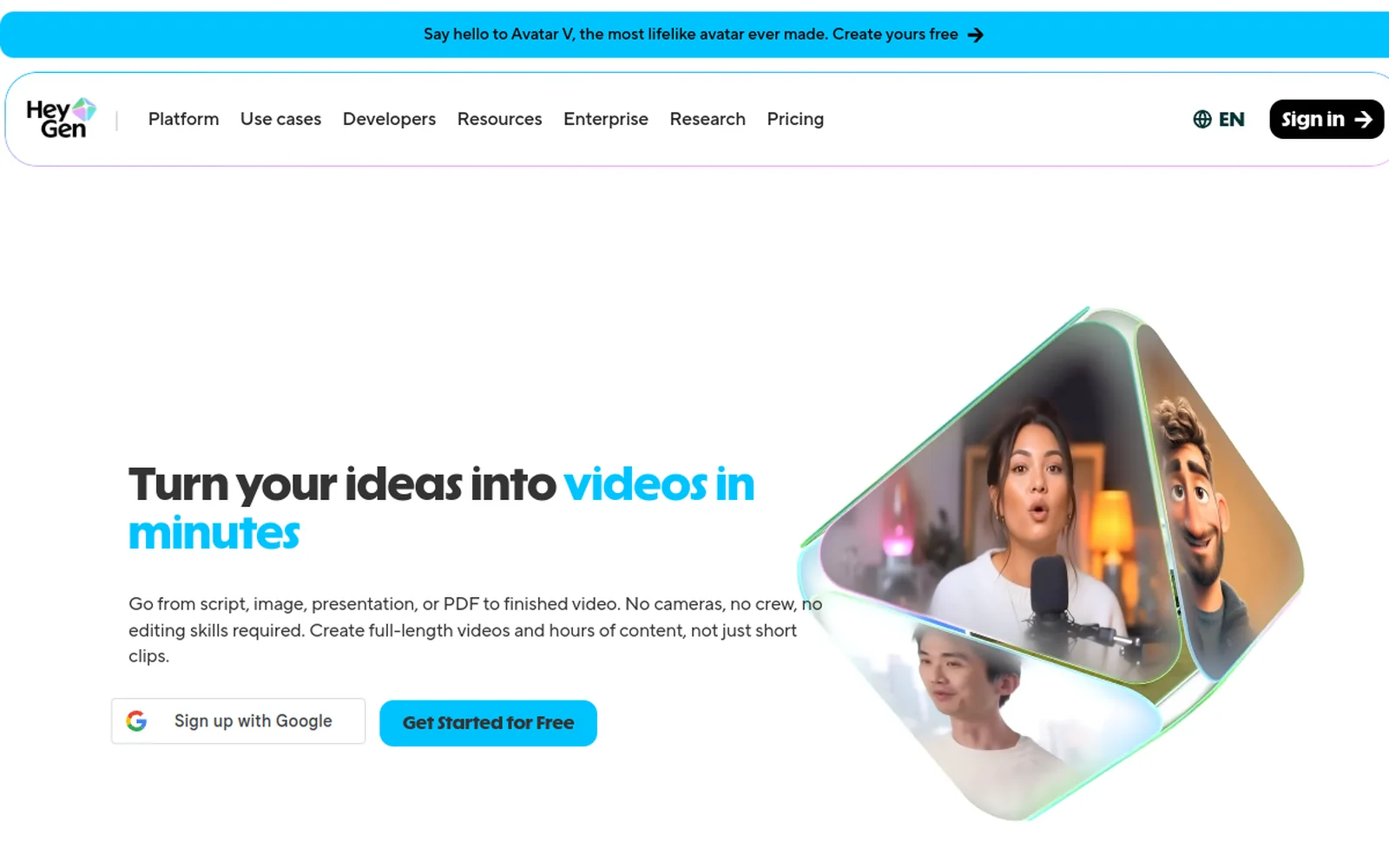
| Multilingual avatar training | HeyGen or Synthesia | Enterprise-grade lip-sync translation |
| Captions on generated video | Submagic | Post-processing layer for social |
The bottom line
There is no “best AI UGC tool in 2026.” There’s a best tool for the output you actually need to ship. Pick the job first, then the tool, and if your workflow spans two or three jobs, assume you’ll run two or three tools.
If most of your output is generated footage (ads, product, narrative), start with Deevid AI’s free credits, the 20 signup credits will tell you whether the generative side fits your work. From there, layer in whichever UGC/avatar tool matches the specific format you’re shipping.
Want the deeper dive on generated video specifically? Start with our Deevid AI review or compare the 10 main alternatives in our comparisons hub. For prompt craft, the 37 tested prompts are the most-used page on the site.