
Canva put AI video in front of more people than almost any other tool — simply because everyone’s already in Canva. Since June 2025 its flagship video feature, Create a Video Clip, is built on Google’s Veo 3 model. But “convenient” and “free” aren’t the same thing, and the real access limits are stricter than most reviews let on. This honest, updated review covers what Canva’s AI video actually does, whether it’s really free, what it costs, and where you’d want something more powerful.
What Canva’s AI video generator does
Canva’s video AI lives inside the design suite. The headline feature, launched June 18, 2025, is Create a Video Clip — Canva’s integration of Google’s Veo 3 model, generating up to 8-second clips with synchronized audio (dialogue and sound effects included) from a single text prompt. It sits alongside an older, lighter tool (Magic Media / AI Effects) plus Canva’s templates, stock library, and drag-and-drop editor. You type a prompt, get an AI clip with sound, and then build around it with Canva’s normal design tools: text, transitions, music, branding.
That’s the real pitch: it’s frontier AI video plus a full design editor, in one familiar place. For social graphics, presentations, and quick branded clips, that integration is genuinely powerful — you’re not exporting from a generator into a separate editor.
Is Canva’s AI video generator free?
No — not the real one. This is the part most reviews get wrong. Canva classifies “Create a Video Clip” (the Veo 3 generator) as an Ultra AI tool, and per Canva’s own Help Center, the Free plan has zero access to Ultra AI tools — full stop. There’s no trial allowance, no watered-down version: the Veo-3-powered video generator simply isn’t available on the free plan.
What free users do get is Canva’s older, lighter AI Effects / Magic Video tools (short animated effects applied to photos, capped at 7 uses per 30 minutes) — not genuine text-to-video generation. If the goal is “type a prompt, get an AI video,” free Canva can’t do it at all.
To unlock Create a Video Clip, you need Canva Pro or above, and even then it’s rationed: Pro gives you a shared monthly AI allowance of up to 20 Ultra AI uses (Create a Video Clip, Canva AI 2.0, and AI image generation all draw from the same pool). Business and Enterprise plans get up to 40 Ultra uses/month. So even as a paying Pro user, you’re looking at roughly 20 video clips a month, shared with everything else Ultra-tier.
How much does Canva’s AI video generator cost?
Canva Pro runs around $18/month billed monthly (roughly $12–15/month if billed annually), and that’s the entry price just to unlock video generation at all — the free plan won’t touch it. Canva Pro+ / Business sits above that, priced per person, for a larger shared AI allowance (up to 40 Ultra uses/month) and team features.
Put plainly: Canva’s AI video isn’t a cheap add-on — it’s a full Pro subscription, for ~20 clips of up to 8 seconds each per month, shared with every other Ultra AI feature you use.
How to make AI video in Canva, step by step
The workflow is design-first. Here’s a creative AI video workflow for comparison, then the Canva steps:
- Open Canva AI from the homepage or sidebar, and select “Create a Video Clip” (Pro plan or above required).
- Write a detailed prompt — style, framing, lighting — then generate. You get a clip up to 8 seconds long, with synchronized audio.
- Drop it on the canvas and build around it with text, music, transitions and brand assets in the Video Editor.
- Export in your chosen format and aspect ratio for social or presentations.
It’s the design-suite strength: the AI clip is one element in a fuller composition, not the whole output.
Where Canva’s AI video falls short
Canva is a design tool with a Veo 3 integration bolted on, not a dedicated video generator — and that shows when you push it:
- It’s gated behind Pro, and rationed even there. No free access at all, and Pro caps you at roughly 20 Ultra AI uses/month shared across every Ultra feature — not 20 video clips specifically if you’re also using Canva AI 2.0 or Ultra image generation.
- 8 seconds, one model. Every clip tops out at 8 seconds on a single model (Veo 3) — no swapping to Sora, Kling, or Runway for a different look, and no extending a clip.
- No character consistency tooling. Generate the same “character” twice and Veo 3 alone won’t lock their appearance across clips the way a purpose-built generator with reference-image consistency does.
If your work is design-led and the AI clip is a garnish, Canva is excellent — assuming you’re already paying for Pro. If the video is the point, or you want to start for free, you’ll outgrow it fast.
What’s the best free AI video generator, then?
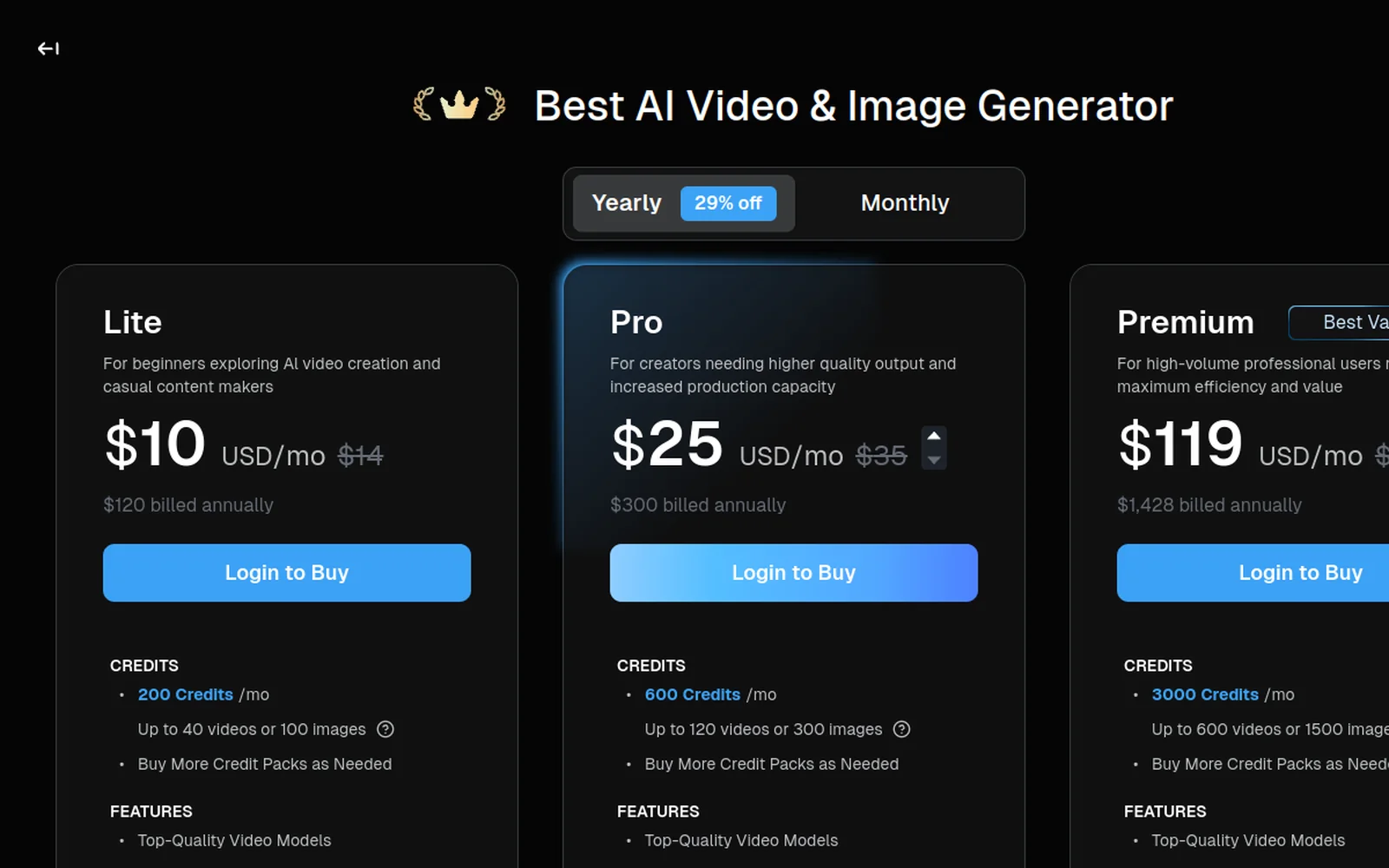
Not Canva — as shown above, its video generator has zero free tier. If actually generating AI video for $0 is the goal, dedicated generators are the better starting point: most give a batch of free credits on signup (no Canva subscription required first). Deevid AI, for example, ships 20 free credits on signup, no credit card required — enough to test real generations across 14+ models before deciding whether to pay anything at all.
The alternative for serious video
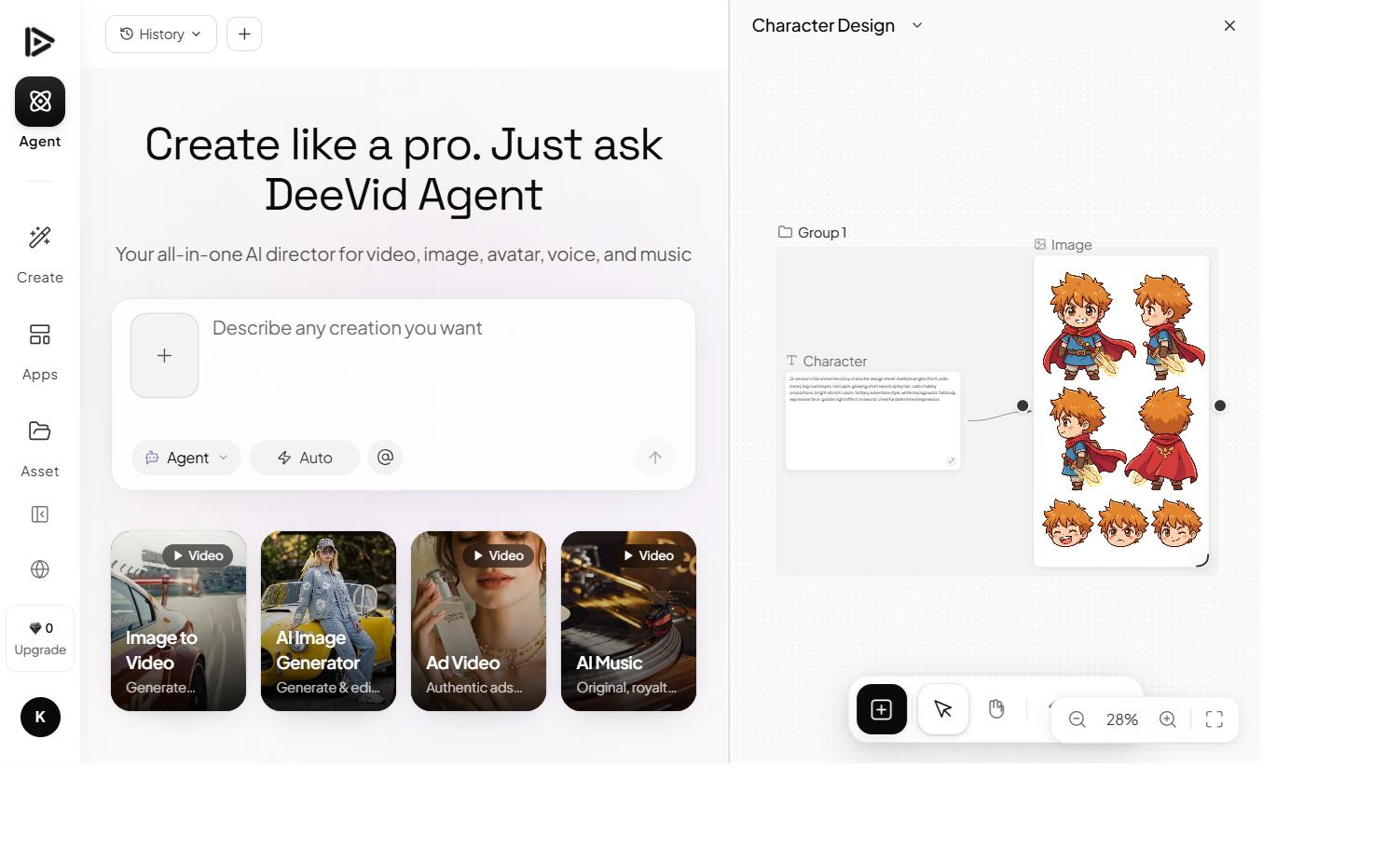
When the video itself matters, a dedicated multi-model generator is the move. An aggregator like Deevid AI carries 14+ video models (Sora 2, Veo, Kling and more) plus image-to-video and avatars — built for generation, not design.
The honest framing isn’t “Canva is bad” — it’s “different jobs.” Many creators use both: Canva for design and layout, a dedicated generator for the actual AI video, then assemble in whichever editor they prefer.
Canva vs Deevid: the quick take
- Choose Canva if you live in the design suite, want AI clips as one element of branded graphics and presentations, and value everything-in-one-place convenience.
- Choose a multi-model generator if the video is the deliverable — you want frontier models, image-to-video, and real creative range.
We lay out the full comparison in our Deevid vs Canva breakdown.
FAQ
Is Canva’s AI video generator free? No. “Create a Video Clip” (Canva’s Veo 3 integration) is an Ultra AI tool, and Canva’s Free plan has no access to Ultra AI tools at all. You need Canva Pro (~$18/mo, less billed annually) just to generate your first clip.
How many AI videos can I make on Canva Pro? Roughly 20 a month on Pro, since Ultra AI tools share one monthly allowance across Create a Video Clip, Canva AI 2.0, and Ultra image generation. Business/Enterprise plans get up to 40 uses/month.
What are the limitations of Canva’s AI video? Clips cap at 8 seconds on a single model (Veo 3) — no model choice, no clip extension, no dedicated character-consistency tooling. It’s built for a quick branded clip inside a design, not a standalone video project.
Is Canva good for AI video? For design-led, short branded clips inside a full editor, yes — once you’re already paying for Pro. For cinematic or serious creative video, or if you want to start free, a dedicated multi-model generator is stronger.
What’s the best Canva alternative for AI video? A dedicated generator like Deevid AI, which offers 20 free credits on signup and 14+ frontier models (including Sora 2) — see our full Deevid vs Canva comparison.
Can Canva do text-to-video and image-to-video? Yes, both are available via Create a Video Clip and the AI image-to-video tool — but both sit behind the same Pro-only Ultra AI allowance described above.
Canva’s AI video generator wins on convenience once you’re a Pro subscriber: AI clips with real Veo 3 quality, inside the design tool you already use. But it’s Pro-only, rationed to roughly 20 clips a month, and capped at 8 seconds on one model — a design suite first, a video generator second. If you want to test AI video for free before paying anything, or need more than a single model and 8-second cap, see how it stacks up against a dedicated generator in our full Deevid AI vs Canva comparison.