
Kling AI went from “the impressive one from China” to one of the most respected video models on the planet — and for a reason: its motion realism and physics are genuinely top-tier. If you’re weighing it up, you probably want straight answers: what does Kling actually do well, is it free, what does it cost in 2026, how long can clips be, and is anything better? This honest review covers all of it — and where a multi-model platform fits if Kling alone isn’t enough.
What Kling AI’s video generator does
Kling AI is a cinematic text-to-video and image-to-video generator, built by Kuaishou. You give it a prompt or a starting image, and it produces short clips with some of the most lifelike motion and physics in the market — fabric, water, hair and body movement that hold together where weaker models wobble. The current Kling 3.0 family pushes that further on realism, prompt-following and shot consistency.
It’s a generalist creative model rather than an effect-toy or avatar tool: people use it for cinematic B-roll, product motion, stylised scenes and story shots. If your bar is “does the movement look physically real,” Kling is usually near the top of the list.
Is Kling AI free for video generation?
Yes — Kling has a free tier, and it’s one of the more generous ways to try a premium model. You get a daily/monthly allowance of credits to generate clips at no cost. But the usual strings apply:
- Credit limits — a capped number of generations before you wait for a refresh.
- A watermark on free output.
- Lower priority in the queue, so free generations can be slow at peak times.
- The newest models and longest clips are often gated to paid plans.
So free Kling is great for evaluating the quality — and not built to run a content pipeline. Searches for “Kling AI unlimited free” run into the same wall every generator has: compute costs money, so “unlimited free” isn’t real for long.
Kling AI pricing in 2026
Kling is credit-based on monthly tiers. The rough shape:
- Free — daily credits, watermarked, capped. For testing.
- Standard / mid tiers — a monthly credit pool, watermark removed, faster generation and access to better models.
- Pro / Premier tiers — large credit allowances, the newest Kling 3.0 capabilities, longer clips and priority.
The number that matters isn’t the headline price — it’s how many seconds of video your credits buy at the resolution and model you want. High-quality Kling generations are compute-heavy, so a plan can feel tighter in practice than it looks on the pricing page. Check Kling directly for current numbers.
How long can a Kling AI video be?
Out of the box, Kling generates short clips — typically a handful of seconds per generation — with the option to extend a clip in increments up to a longer maximum on higher tiers. In practice you build longer videos by generating and extending shots, then stitching them, rather than asking for one long take. That’s standard for AI video in 2026, but worth knowing before you plan a project around it.
How to use Kling AI (text-to-video, image-to-video, app)
Kling gives you two main starting points, and both show up heavily in searches:
- Text-to-video — describe the scene in a prompt and Kling generates it from scratch. Best when you have a clear idea but no source image. Detailed prompts (subject, action, camera move, lighting) get noticeably better results.
- Image-to-video — upload a still and Kling animates it, which is where its physics really shine: a product photo becomes a smooth rotating shot, a portrait gains natural motion. This is the most reliable route to a polished clip.
You access all of it at kling.ai in the browser (just log in with an account), or through the official Kling AI app on the App Store and Google Play. As with any popular tool, ignore unofficial “Kling APK” downloads outside the official stores — stick to the legitimate app to avoid malware. Once you’re in, the workflow is the same everywhere: choose text- or image-to-video, set length and model, generate, then extend or refine.
Which AI is better than Kling AI?
This is the honest part. For pure motion realism, very little beats Kling head-to-head — but “better” depends on the job. Sora 2 often wins on creative coherence and audio; Veo 3.1 on certain cinematic looks and native sound; avatar tools beat all of them for presenter videos. No single model is best at everything, which is exactly why locking yourself to one — even one as good as Kling — can hold you back.
That’s the case for not choosing between them at all.
The alternative: don’t pick one model — get them all
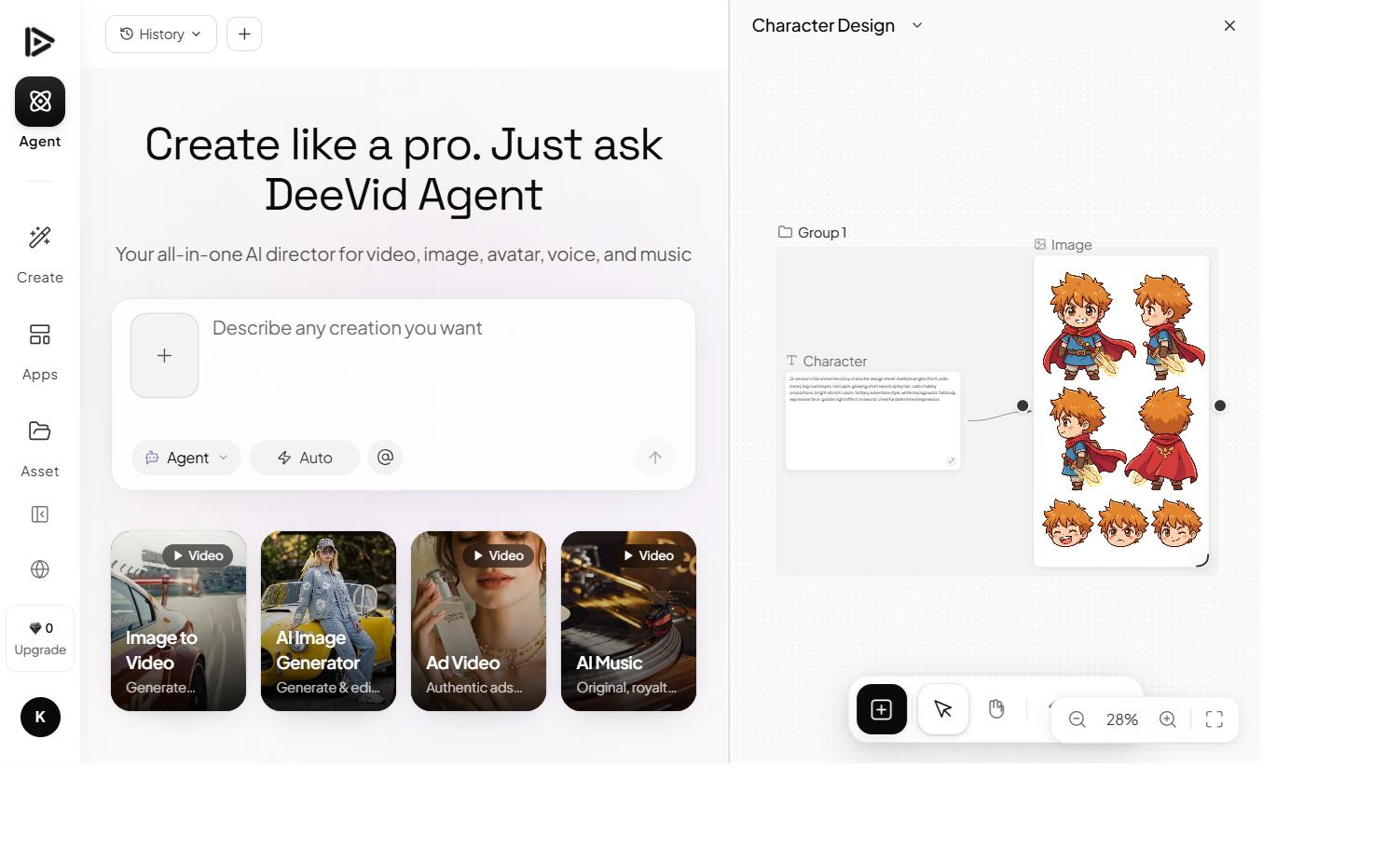
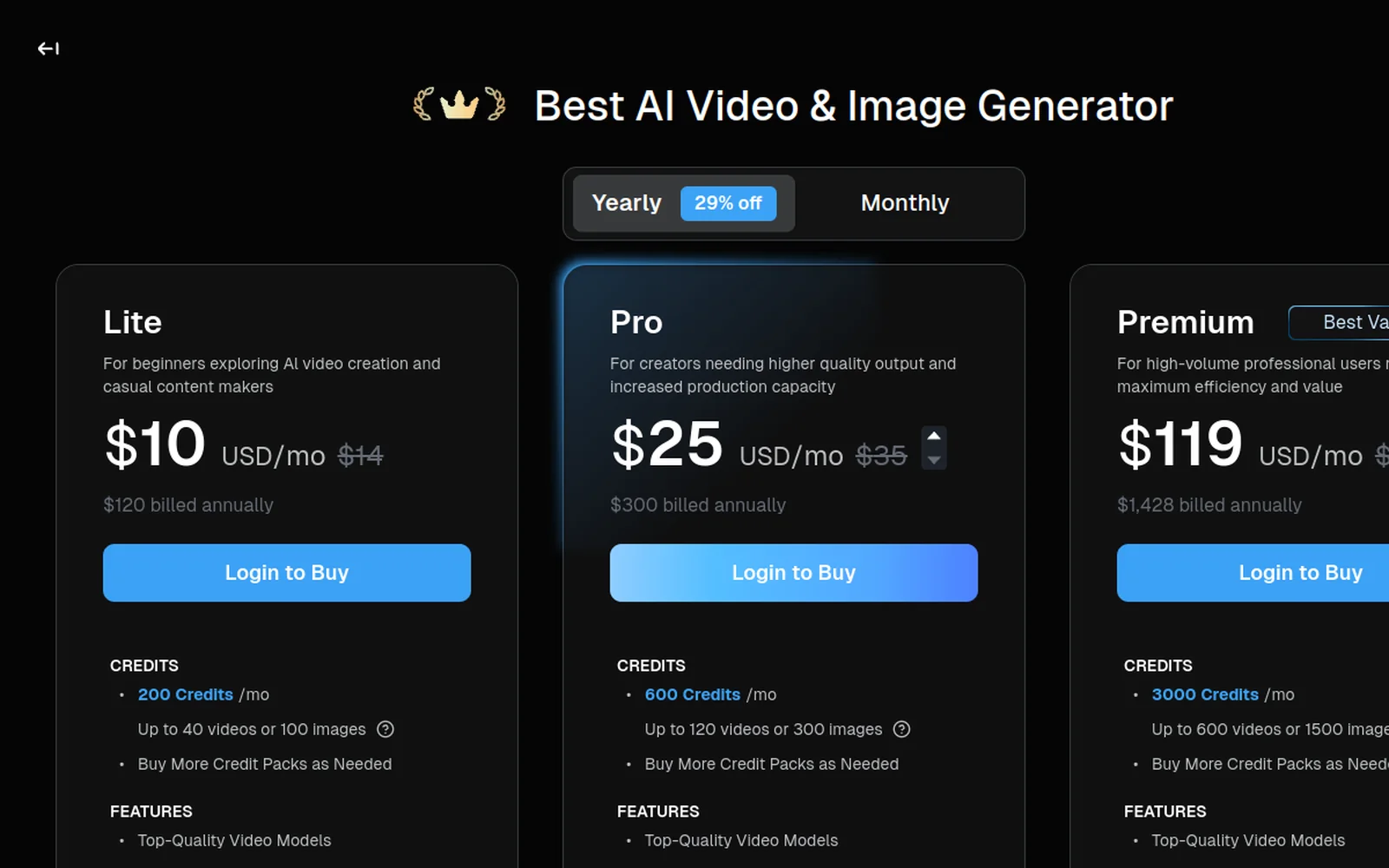
If Kling’s realism is the draw but you don’t want to miss what Sora 2 or Veo do better, a multi-model platform lets you use all of them on one plan. That’s where an aggregator like Deevid AI fits: one subscription with 14+ video models including Kling, Sora 2, Veo 3.1 and more, so you pick the best model per shot instead of betting on one.
Here’s Kling running inside an all-in-one workflow:
The point isn’t “Kling is beaten” — it’s that you shouldn’t have to choose. Use Kling for the shots where its physics shine, switch to Sora 2 when coherence matters, and never hit a single-model ceiling. We break the trade-offs down in our Deevid vs Kling comparison.
Kling AI vs Deevid: the quick take
- Choose Kling directly if you want its specific motion realism, you’re happy inside one model, and its credit limits fit your volume.
- Choose a multi-model tool if you want Kling plus Sora 2, Veo and others on one plan — best-model-per-shot flexibility, with free credits to start.
FAQ
Is Kling AI free for video generation? There’s a free tier with daily/monthly credits, but it’s watermarked, capped and lower-priority. It’s enough to test Kling’s quality; producing at volume needs a paid plan.
How much does Kling AI cost in 2026? It’s credit-based on monthly tiers — a free plan, mid tiers that remove the watermark and add credits, and Pro tiers with the newest Kling 3.0 features and longer clips. Credit-per-second is the real cost to watch.
How long can a Kling AI video be? Generations are short (a few seconds) but extendable in increments up to a higher maximum on paid tiers. Longer videos are built by extending and stitching shots.
Which AI is better than Kling AI? It depends on the task — Sora 2 often leads on coherence/audio, Veo on certain looks, avatars for presenters. A multi-model platform lets you use Kling and its rivals together instead of choosing.
What’s a good Kling AI alternative? A multi-model generator like Deevid includes Kling alongside Sora 2, Veo and more on one plan — see our comparison.
Kling AI earned its reputation: for lifelike motion and physics it’s one of the best video generators in 2026, and the free tier makes it easy to see why. If you’re happy living inside one excellent model, it’s a strong pick. If you want Kling’s realism and the models that beat it elsewhere, a multi-model platform gives you the whole toolbox on a single plan.