
Short answer: Kaiber sits in its own corner of AI video — built for artists, not ad ops. You layer AI-generated images, video clips, and animations on a canvas and explore how they interact with audio (Beat Sync auto-syncs cuts to music). Pricing starts at $10/mo (500 credits), no permanent free tier — only a $5-for-5-days trial that auto-converts to the $29/mo Creator plan. It rewards time spent in the canvas; it’s the wrong tool if you need a finished video fast.
What Kaiber actually does
Kaiber’s canvas metaphor is literal: you assemble AI-generated images, video clips, and animations as layers and see how they interact, particularly with audio. Beat Sync — available from the Creator plan up — auto-syncs cuts and transitions to music, detects lyrics for text overlays, and can auto-clip a longer piece into shorter segments.
The credibility marker worth knowing: Kaiber contributed visuals to Linkin Park’s “Lost” music video — a different kind of positioning than any ad-focused AI video tool.
The honest trade-off: Kaiber requires real manual work to build a cohesive piece. You don’t prompt once and get a finished 3-minute music video — you assemble, layer, and iterate. That’s a feature for an artist who wants creative control, and a bug for anyone who wants speed to a finished deliverable.
Kaiber pricing (verified directly on kaiber.ai)
| Plan | Price | Credits/mo | Canvas & generation |
|---|---|---|---|
| Starter | $10/mo | 500 | 1 canvas, 3 generations at a time, no Beat Sync |
| Creator | $29/mo | 1,500 | 5 canvases, 15 at a time, Beat Sync included |
| Pro | $99/mo | 5,000 | Unlimited canvases, batch up to 10 videos |
| Visionary | Custom | Unlimited | For labels and agencies |
Commercial use is included from the Starter tier — a genuine plus versus tools that gate commercial rights to a higher plan. There’s no ongoing free plan: the only on-ramp is a $5, 5-day trial that automatically converts to the $29/mo Creator plan unless cancelled, and it’s limited to one trial per account.
Who Kaiber is actually for
- Music video creators and visual artists who want creative control over how AI-generated elements interact, not a one-click finished product.
- Anyone syncing visuals to a beat — Beat Sync (Creator+) is a genuinely specific feature few competitors match.
- Experimental filmmakers producing abstract or stylized pieces where the process is part of the output.
Who should skip it
- Anyone who needs a finished video fast — Kaiber’s canvas workflow is deliberately hands-on, not prompt-and-done.
- Ad or marketing teams — this is an artist’s tool, not built for ad variants or product video.
- Budget testers wary of auto-renewal — remember the $5 trial converts to $29/mo automatically.
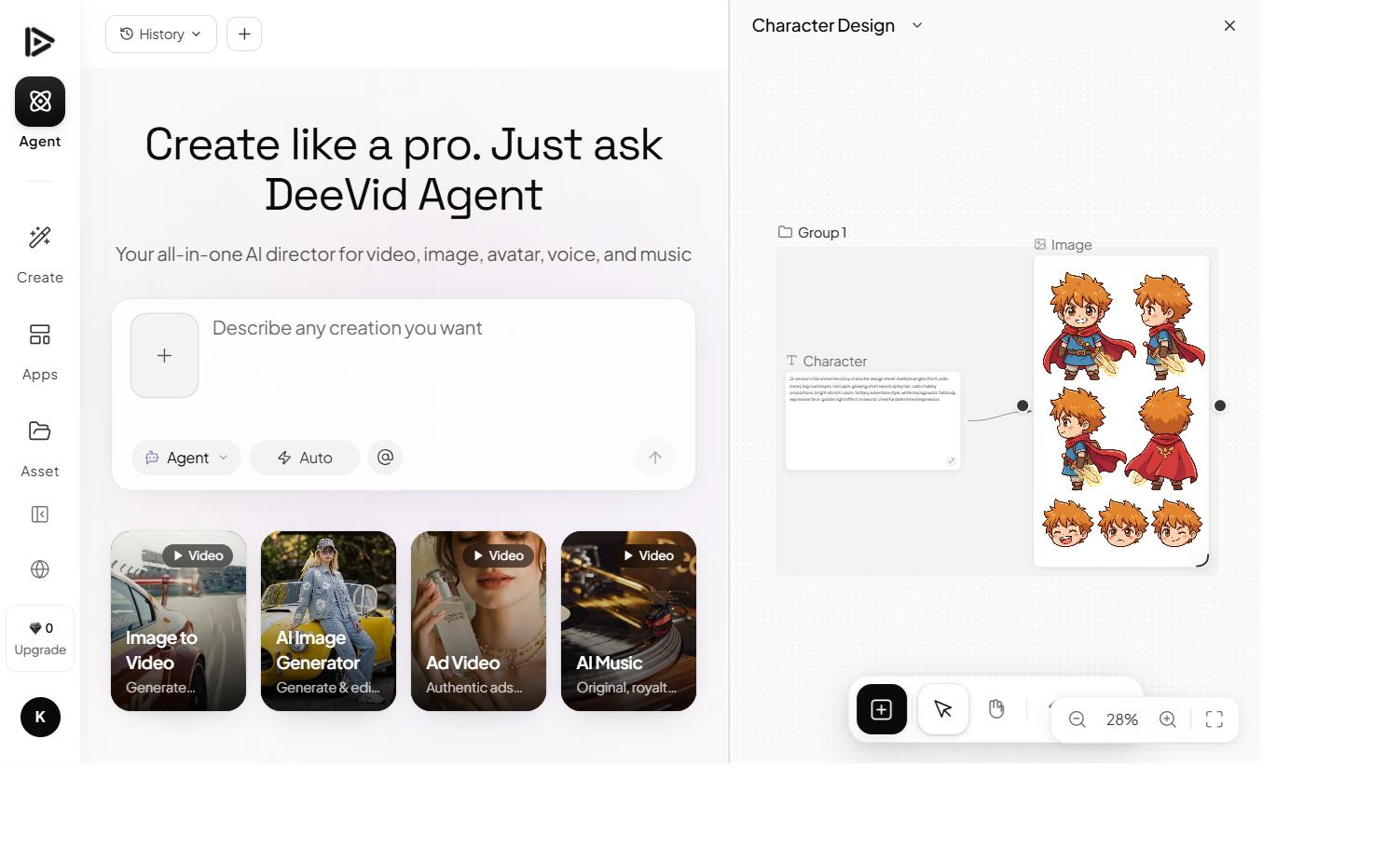
Need a fast, prompt-to-video generator instead of a hands-on canvas? Deevid AI bundles 14+ frontier models (Sora 2, Veo 3.1, Kling…) for straightforward prompt-to-video generation — no canvas assembly required. 20 free credits, no credit card required.
FAQ
How much does Kaiber cost? Starter is $10/mo (500 credits), Creator is $29/mo (1,500 credits, Beat Sync included), and Pro is $99/mo (5,000 credits). A Visionary plan is available by quote for labels and agencies.
Does Kaiber have a free plan? No ongoing free plan — the only free-adjacent option is a $5, 5-day trial that automatically converts to the $29/mo Creator plan if not cancelled, one per account.
What is Kaiber actually good for? Music videos, experimental short films, and artistic visual pieces where you want creative control over how AI-generated layers interact — especially with Beat Sync for syncing cuts to audio. It’s not built for fast, ad-style output.
Is Kaiber easy to use? It has a learning curve by design — the canvas workflow rewards assembling and iterating rather than a single prompt producing a finished piece. If you want speed over creative control, a prompt-to-video generator fits better.