Short answer: Submagic is a post-processing layer for short-form video — upload a clip, get AI captions, auto b-roll, hook titles, silence/bad-take removal, and clean audio, in the style TikTok and Reels editors expect. It’s not a generator; it’s what you run finished or generated footage through before publishing. Pricing starts at $19/mo ($12/mo billed yearly), free trial with no credit card required.
What Submagic actually does
Submagic sits after generation, not instead of it. Upload a talking-head or voice-over video, and it adds AI-generated captions (styled to match current short-form trends), auto b-roll and free stock audio, AI hook titles, and cleanup tools — removing bad takes, silences, and cleaning audio automatically. Higher tiers add translation, multi-platform publishing with analytics, and eye-contact correction.
It’s used by 4 million+ creators according to the company, with a heavy short-form/TikTok-editor audience.
Submagic pricing (verified directly on submagic.co)
| Plan | Price (monthly / yearly) | Videos/mo | Notable features |
|---|---|---|---|
| Starter | $19 / $12 | 15 (45 credits) | 1080p 30fps, no watermark, 2-min cap |
| Pro | $39 / $23 | 40 | Eye contact correction, translated captions |
| Business | $69 / $41 | 100 | 4K export, API & integrations |
There’s a free trial with no credit card required — a real evaluation path, unlike several tools in this category that gate access behind a paid tier from day one.
Who Submagic is actually for
- Short-form creators and teams publishing captioned video regularly who want the caption/cleanup step automated instead of manual editing.
- Anyone running a multi-tool stack — Submagic is explicitly a layer, not a full generator, so it slots in after Deevid AI, Revid, or a phone-shot talking-head clip.
- Teams managing multiple publishing profiles — Business tier adds cross-platform publishing and analytics.
Who should skip it
- Anyone who needs video generation, not caption/cleanup — Submagic doesn’t create footage from a prompt or script.
- Long-form content — the 2-minute cap on Starter and general design target short-form.
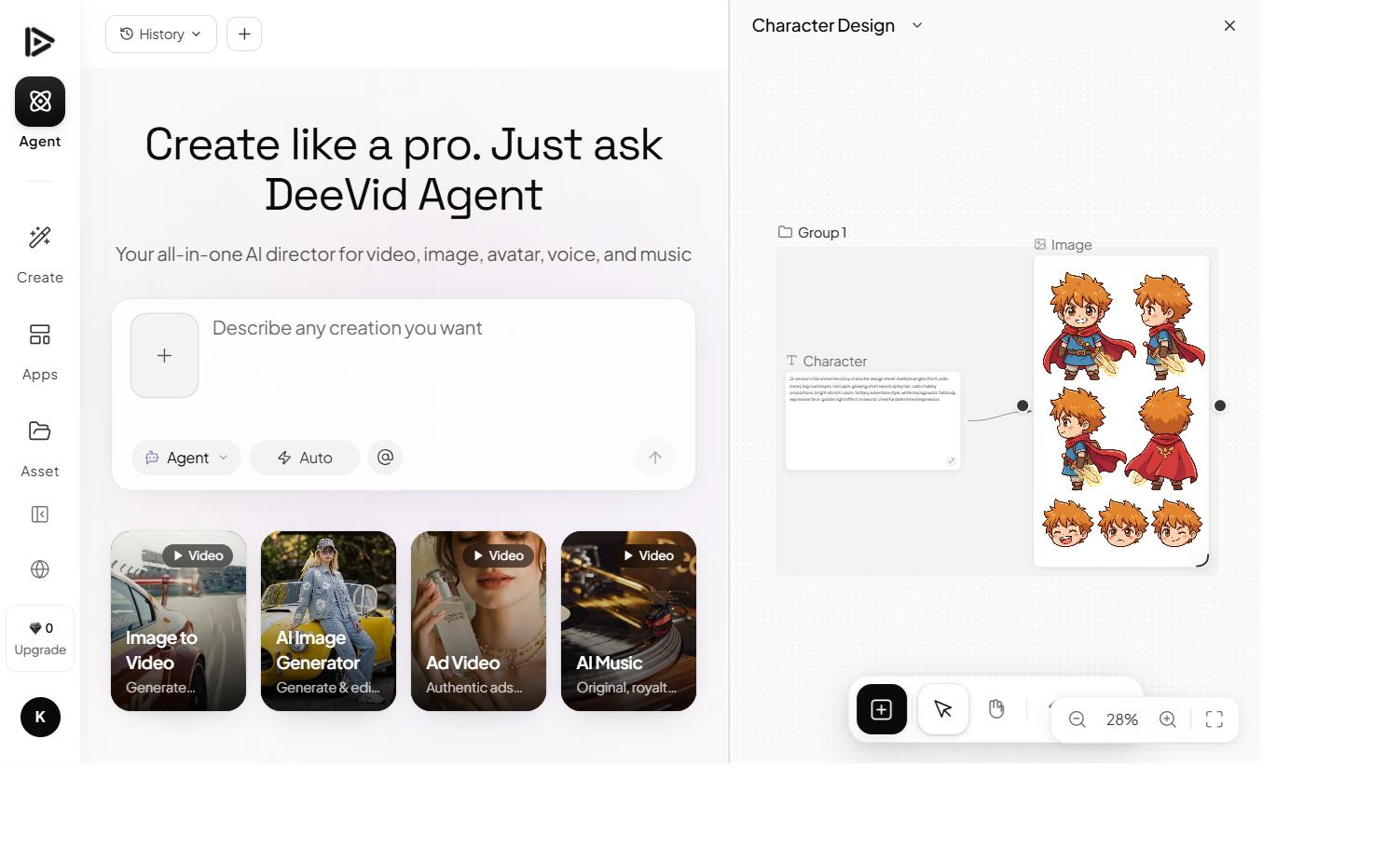
Need the footage before you caption it? Deevid AI bundles 14+ models (Sora 2, Veo 3.1, Kling…) to generate the video first — a natural pairing with Submagic’s caption/cleanup layer. 20 free credits, no credit card required.
Where it fits in a real stack
Submagic isn’t competing for the “generate my video” job — it’s the layer that runs after generation or filming: generate/shoot → Submagic (captions, b-roll, cleanup) → publish. That’s why it shows up alongside generators like Deevid AI and avatar tools like HeyGen in most creator stacks rather than replacing them.
FAQ
How much does Submagic cost? Starter is $19/mo ($12/mo billed yearly) for 15 videos, Pro is $39/mo ($23/mo yearly) for 40 videos with eye-contact correction, and Business is $69/mo ($41/mo yearly) for 100 videos with 4K export and API access.
Is there a Submagic free trial? Yes — a free trial is available with no credit card required.
Does Submagic generate video, or just edit it? Just edit and polish — captions, auto b-roll, hook titles, and cleanup. For generating the underlying footage from a script or prompt, you need a separate generator like Deevid AI.
What’s the video length limit on Submagic? The Starter plan caps at 2-minute videos. Higher tiers and the credit system determine total monthly volume rather than raising the per-video cap significantly.