Short answer: an AI tattoo generator turns a text idea or a reference image into a tattoo design, and some tools also show that design placed on a photo of your skin. Free options exist (Deevid AI, Fotor and OpenArt all advertise a free tattoo generator), but free usually means limited credits and a watermark. Treat the result as a preview or a starting sketch: a real tattoo still needs a tattoo artist to adapt the design to your body.
How an AI tattoo generator works
There are two different jobs hiding under the same keyword.
- Design generation. You describe a tattoo in text (“fine-line fern wrapping a forearm, black ink”) and the model draws it. The output is a flat design, like a sketch.
- Placement preview. You upload a photo of your arm, leg or shoulder and the tool pastes a design onto it, so you can judge size and position before committing.
Some tools do one, some do both. It is worth knowing which you need before you pick a tool, because a great design generator does not help you decide where it should sit on your arm.
What Deevid AI’s tattoo effect does
Deevid AI has an AI Tattoo effect in its effect gallery. From the tool’s own page, the workflow is built around two images: the first is the main photo, which should show the arm, and the second, optional image is the tattoo design. The prefilled instruction on the page reads along the lines of placing the tattoo design from the second image onto the arm in the first. You can add a text prompt of up to 500 characters and pick an aspect ratio (3:4 is the default shown).
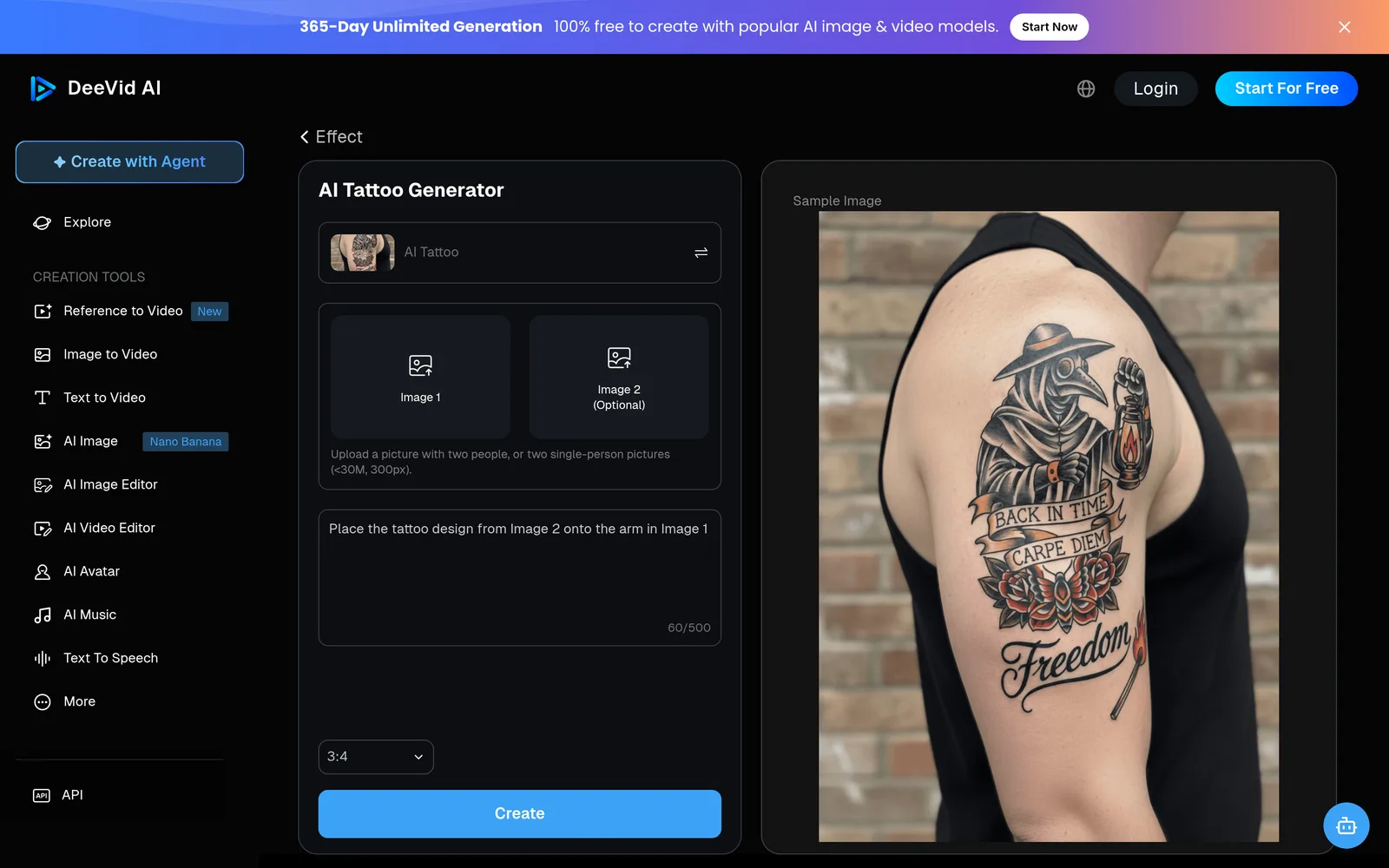
Deevid’s page title calls it a free AI tattoo generator, and its description says it turns text or photos into tattoo designs. The page does not describe the output resolution, the number of results per run, or whether free results carry a watermark. We also could not confirm from the page alone whether it generates a design from text without a photo, so check that on your first run. Free access comes from Deevid’s new-user credits, whose amount can change, and a paid plan starts at $10/month. See our Deevid free credits breakdown for how far the free credits go.
Want to preview a design on your own arm? Open the AI Tattoo effect inside Deevid AI and use your free credits on a photo and a design.
Other free AI tattoo generators people use
The first results for this search are a mix of dedicated tools and general AI image sites. Fotor offers a free AI tattoo generator with a tattoo simulator, and OpenArt has a free text-to-tattoo generator. There are also tattoo apps on Google Play and the App Store. All of them follow the same pattern: a free allowance, then credits or a subscription. If you only want ideas, any of them will do. If you want a preview on your own photo, check that the tool explicitly supports upload and placement, not just design generation.
How to get a better AI tattoo design
- Describe style, subject, line weight and ink. “Fine-line”, “blackwork”, “watercolor” and “traditional” change the result more than adding adjectives.
- Say where it goes. A forearm design and a shoulder design have different proportions. Mention the body area in the prompt.
- Keep it simple. Heavily shaded, high-detail results look impressive on a screen but are harder to reproduce in skin. Clean lines translate better.
- Make several versions. Generate a few and keep the one with the clearest outline.
- Use a straight, well-lit arm photo for previews. Hair, clothing and strong shadows confuse placement.
From AI design to real tattoo
An AI image is a concept, not a stencil. A tattoo artist will redraw it for your skin, simplify detail that will blur over time and check the placement against your anatomy. Bring the generated image as a reference, not as a finished file, and expect the artist to change it.
Two cautions apply. AI tools can imitate recognisable styles or artists, so do not ask a tattooist to copy something that looks lifted from a specific person’s work. And the legal position on who owns AI-generated images is still unsettled in many places, so read the tool’s terms before using a design commercially, for example on merchandise. For a tattoo on your own body, the practical risk is more about quality than ownership.
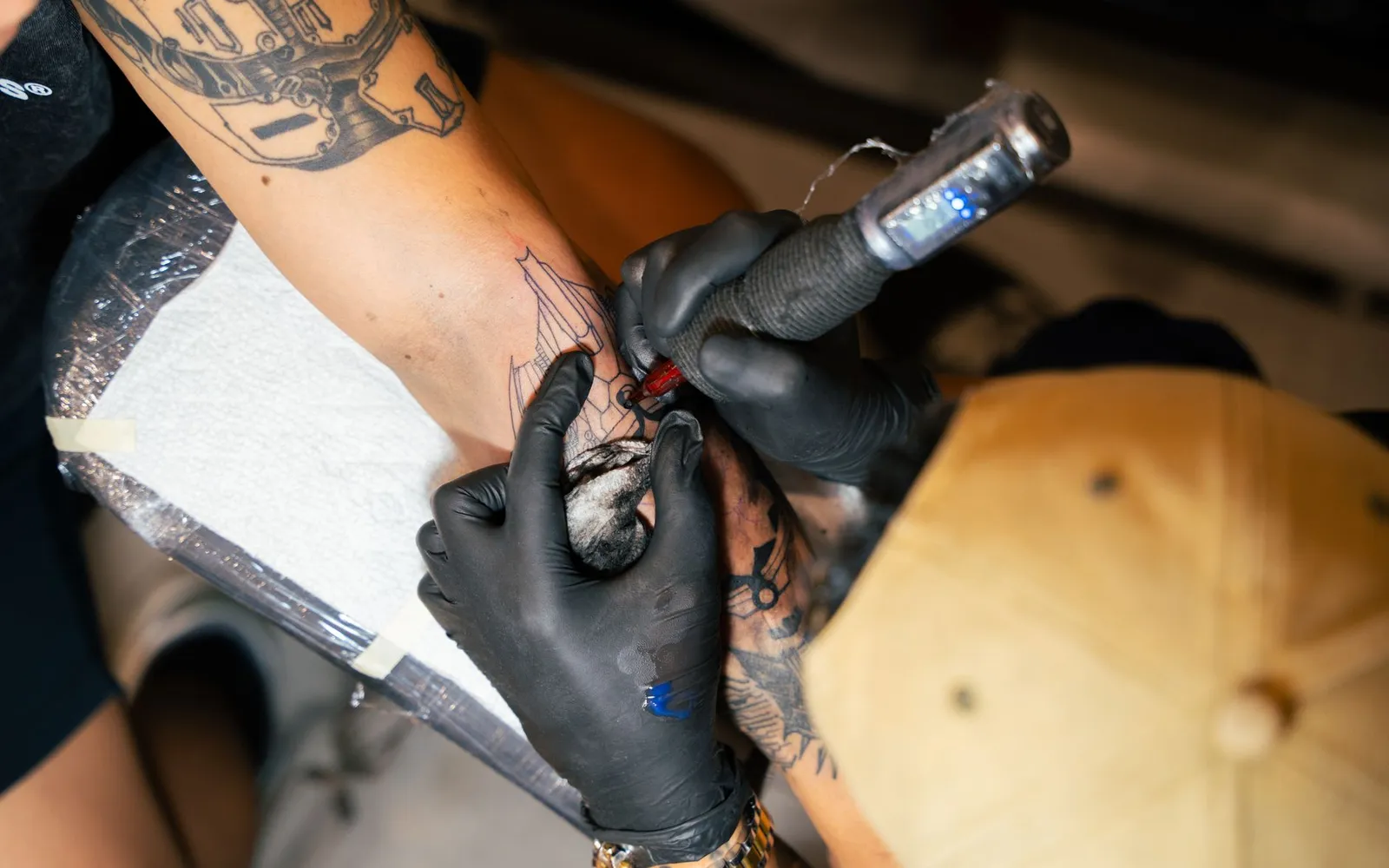
Cover photo: Kenneth Surillo on Pexels. Tool details read from Deevid AI’s tattoo page on 18 October 2026; features and credits change often. For a comparison of how bundled models differ, see our Seedance 2.0 guide.
FAQ
Is there a free AI tattoo generator?
Yes, several. Deevid AI, Fotor and OpenArt all advertise a free tattoo generator. Free usually means a small credit allowance and sometimes a watermark, with paid plans for more.
Can AI show how a tattoo will look on my arm?
Some can. Deevid AI's tattoo effect is built around placing a design onto an arm photo, but it is a visual preview, not a simulation of how ink ages or sits on your skin.
Can I take an AI-generated tattoo design to a tattoo artist?
Yes, as a reference. Most artists will redraw it, simplify the detail and adapt it to the placement.
Can I generate a tattoo from a photo?
Tools differ. Some turn a reference image into a tattoo design, others only place an existing design on a photo. Check what the specific tool says it does.
Do AI tattoo designs have a watermark?
Free results often do, but it depends on the tool. Deevid's tattoo page does not state the rule, so check your first output.
Are AI tattoo designs original?
Not guaranteed. The model learns from existing images, so avoid copying a design that clearly mirrors a particular artist's work.