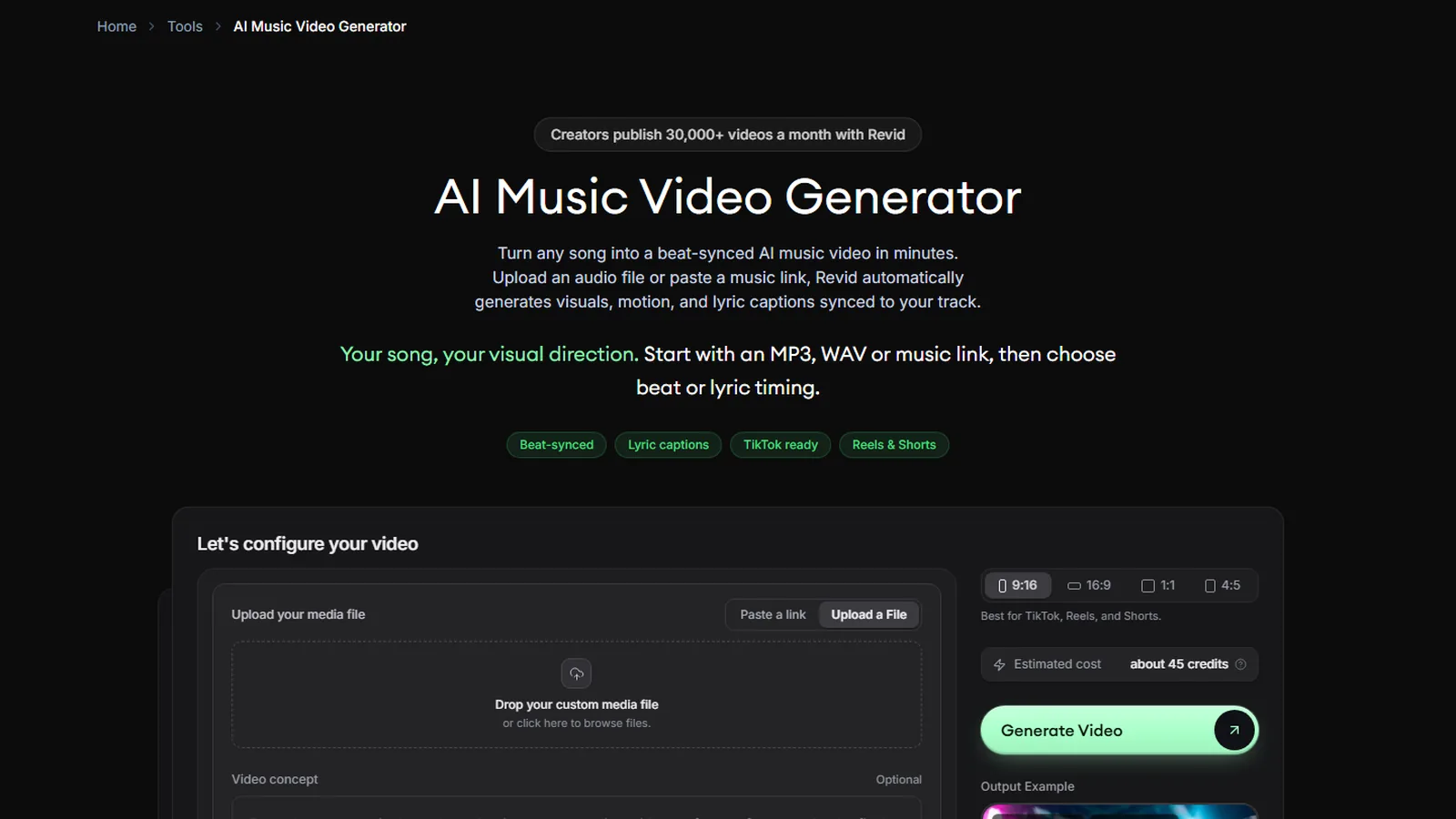
Short answer: Kling Motion Control takes a character image and a reference video, then makes the character perform the movement and expressions from that video. On kling.ai it is billed per second: Kling 3.0 costs 9 credits per second in Standard mode and 12 in Professional, while Kling 2.6 costs 5 and 8. Kling’s own pages do not list a free tier we could confirm, so for a free try look at tools that bundle similar features, such as Deevid AI’s Motion Control. Figures below come from Kling’s official guide, read on 18 October 2026.
What Kling Motion Control does
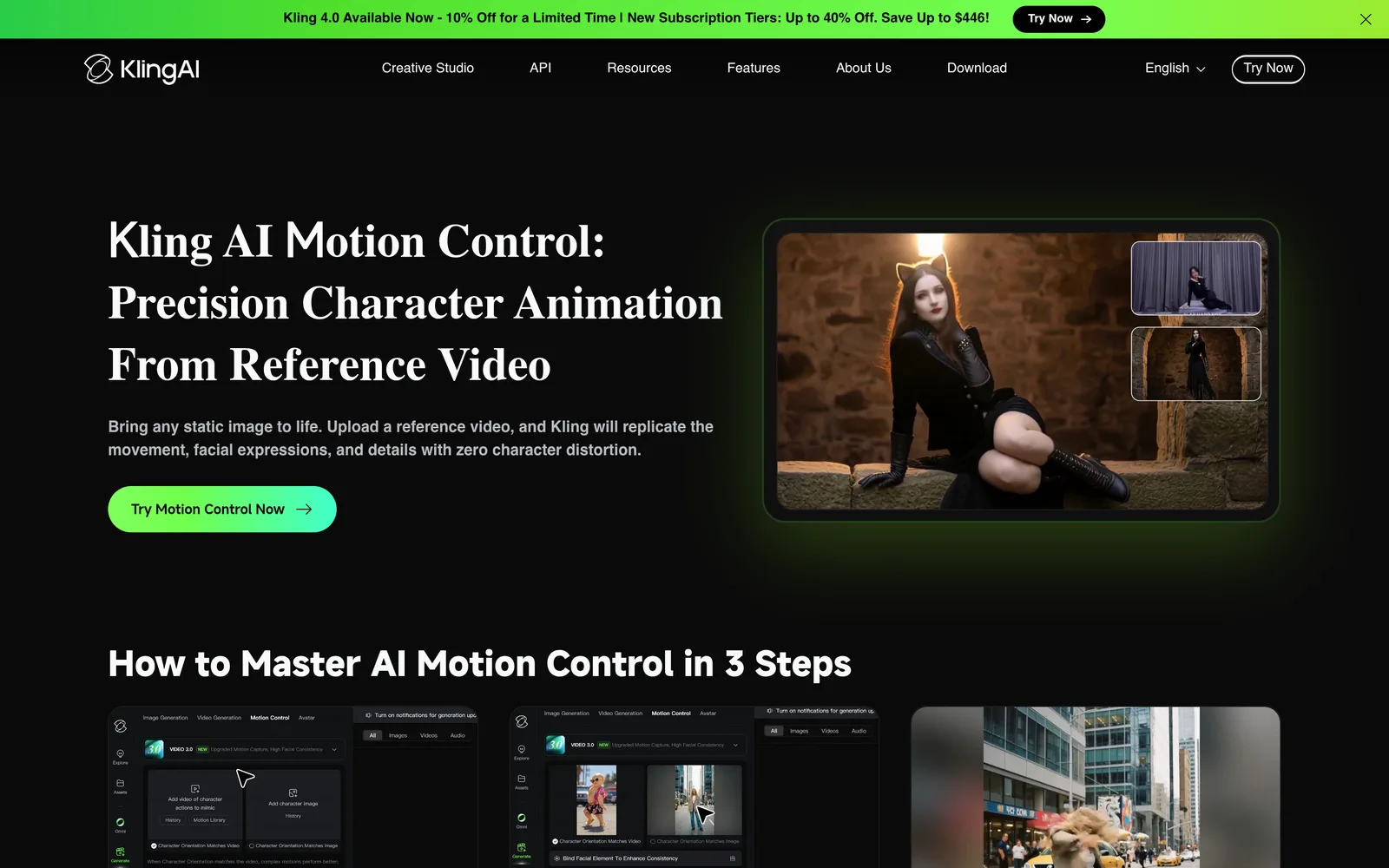
Most AI video tools invent the motion for you. Motion Control flips that: you supply the movement, the model supplies the look. Kling’s official user guide describes it as assigning motion to one character in the image, with the motion coming from an uploaded video or from Kling’s motion library. The output is a video of your character performing that action, including facial expressions.
That makes it useful for dance clips, product presenters, character animation and any case where you want a specific performance rather than whatever the model improvises.
Kling 2.6 vs Kling 3.0 Motion Control
Kling’s guide documents both versions.
| Kling 2.6 | Kling 3.0 | |
|---|---|---|
| Standard mode | 5 credits per second | 9 credits per second |
| Professional mode | 8 credits per second | 12 credits per second |
| Reference video length | 3 to 30 seconds | Not stated in the guide |
| Orientation options | Character matches video (default) or matches image | Element binding only works when orientation matches the video |
| Main upgrade | Baseline | Better facial consistency through element binding |
Two things to keep in mind. First, kling.ai’s homepage now headlines “Kling 4.0” as its newest release, while the Motion Control guide we read documents 2.6 and 3.0, so check whether 4.0 changes the rates. Second, the guide says pricing is per second, with durations rounded to the nearest whole second, and that credits consumed are non-refundable if the output is shortened because the motion was too fast or complex.
What a Motion Control clip actually costs
Using the official per-second rates, the credit cost of a clip is simple arithmetic (rounded to whole seconds):
| Clip length | 2.6 Standard | 2.6 Professional | 3.0 Standard | 3.0 Professional |
|---|---|---|---|---|
| 5 seconds | 25 | 40 | 45 | 60 |
| 10 seconds | 50 | 80 | 90 | 120 |
Kling’s guide gives credits, not dollars, and how much a credit costs depends on the plan you buy, so convert using your own plan. Third-party sites quote different dollar and credit rates for the same model, which is why we only list Kling’s own numbers here.
How to get clean results
Kling’s guide gives specific input rules for 2.6. These are the ones that matter most:
- Match the framing. Use full-body or half-body in both the image and the reference video.
- One character, moderate speed. A single character with a wide range of motion and little displacement works best.
- Keep head and body visible. Nothing should block the face or limbs.
- Use a single continuous shot. Avoid cuts, and avoid camera movement unless you pick the option where orientation matches the image.
- Respect image limits. The short edge should be at least 340 px and the long edge no more than 3,850 px.
- Leave room. If the pose in the image has no space for large motions, the result gets cramped.
For 3.0, the facial element library uses face information only, not clothing or props. Clear close-ups work best, and Kling recommends front and side views for head turns and neutral and smiling images for expressions.
Is Kling Motion Control free?
Kling’s homepage and the Motion Control guide we read do not describe a free plan, so we cannot confirm one. New accounts sometimes see trial credits in the app, but that changes, so check the live amount before relying on it.
A free-credit alternative: Motion Control in Deevid AI
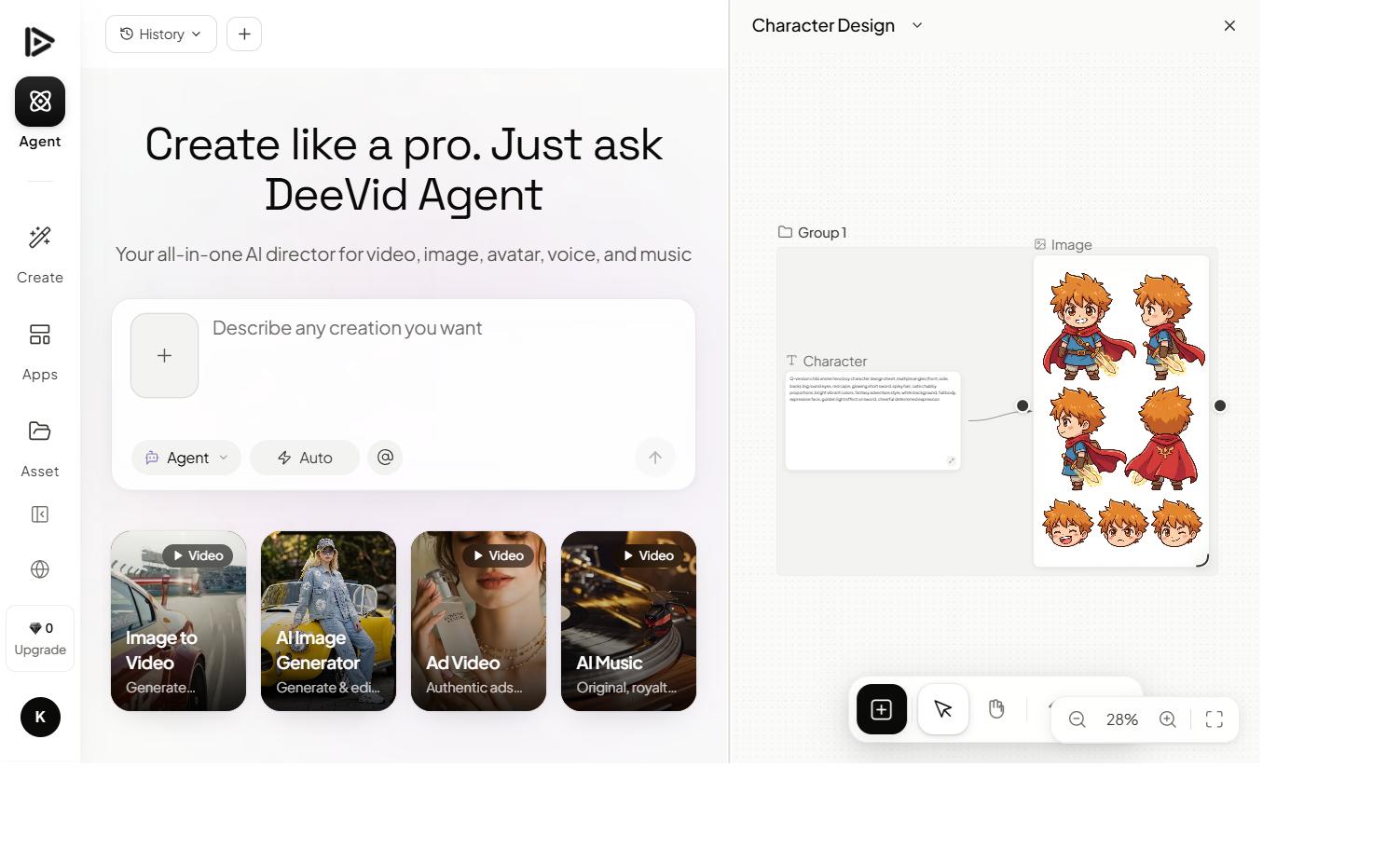
Deevid AI has its own Motion Control tool built on the same idea. Its page asks for a reference video (or a pick from its Motion Library), a character image (or a saved asset), and a text prompt of up to 2,000 characters, plus an optional setting to keep the character facing the way it does in the image. The page shows 720P output. It does not state a maximum length, a credit cost, or which model powers the feature, so we do not claim it is Kling.
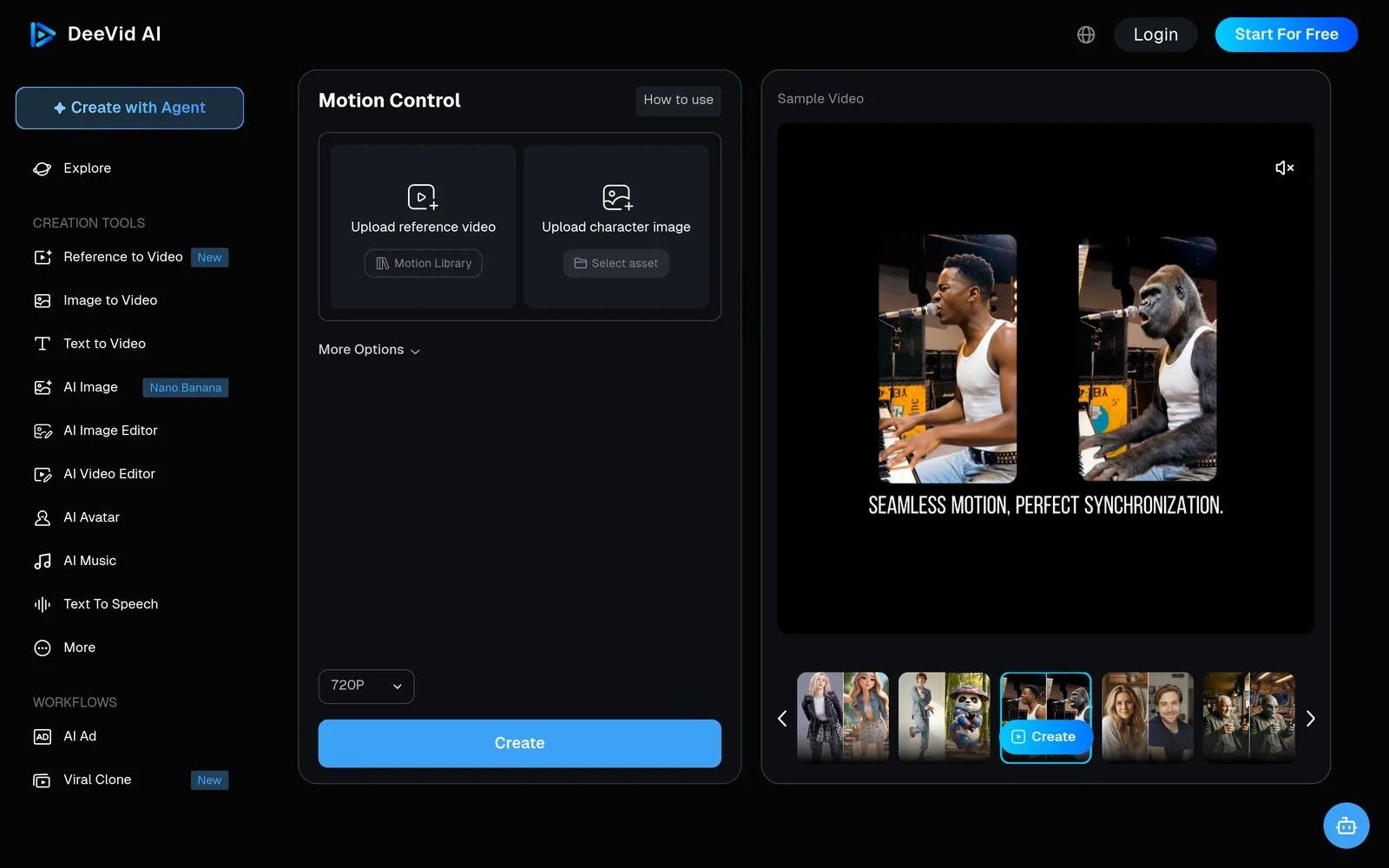
If you want to test the concept before paying for Kling credits, Deevid’s new-user credits are a cheap way to try it, and the same account also gives you Kling and other models for ordinary text and image to video. For clean exports and a commercial license you need a paid plan, which starts at $10/month. See how Deevid and Kling compare in our Deevid vs Kling comparison.
Want to try Motion Control without buying Kling credits? Deevid AI has a Motion Control tool and free credits for new users.
FAQ
What is Kling Motion Control? A Kling feature that applies the movement and expressions from a reference video to a character image, so you control the performance instead of describing it in a prompt.
How much does Kling Motion Control cost? On kling.ai, Kling 3.0 is 9 credits per second (Standard) or 12 (Professional), and Kling 2.6 is 5 or 8. A 10-second 3.0 Standard clip is 90 credits.
How long can the reference video be? For Kling 2.6, the guide gives 3 to 30 seconds, and the output matches the reference length. At least 3 seconds of continuous motion must be extracted. The guide gives no range for 3.0.
Can I use Kling Motion Control for free? We could not confirm a free tier on Kling’s official pages. Check the live credits in your account, or try a similar tool such as Deevid AI’s Motion Control with its free new-user credits.
What is the difference between Kling 2.6 and 3.0 Motion Control? Version 3.0 focuses on facial consistency through element binding and costs more per second. Version 2.6 offers orientation options and a documented 3 to 30 second reference range.
What happens if the motion is too fast? The output can come out shorter than the reference, and Kling says the credits used are non-refundable in that case. Moderate, single-take motion avoids this.
Cover photo: Đậu Photograph on Pexels. Rates and rules taken from Kling’s official Motion Control guide and Deevid AI’s Motion Control page on 18 October 2026; both change often. See also our Seedance 2.0 guide.